1
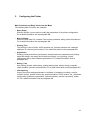
Configuring the Printer
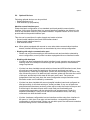
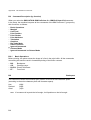
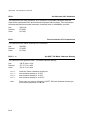
3.3.1 How to use the Key in the Menu Mode
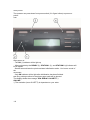
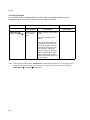
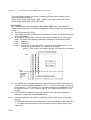
If you want to enter a menu setup, you should press down [STATION 2] and
[COMPRESS y] key simultaneously in on-line mode, entering the off-line mode and then
selecting MENU SETUP (see also Paragraph 2.2 Function Keys).
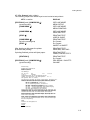
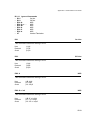
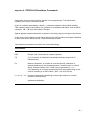
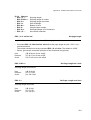
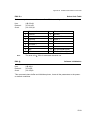
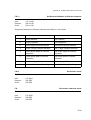
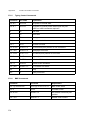
During the Menu Mode the key’s definition is as following:
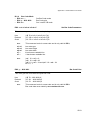
S [FEED/EJECT x] upwards; it may cycle to the previous item from the first one.
S [COMPRESS y] downwards; it may cycle to the following item from the last one.
S [STOP s]
accept the selected item or value
S [STATION 2]
go back to the previous menu level or back to the top level.
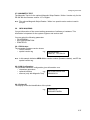
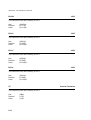
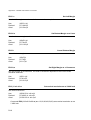
The LCD display shows on the first line the current level, and on the second line the next
level.
3.3.2 The emulations of PR 9
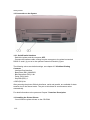
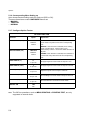
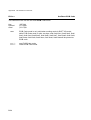
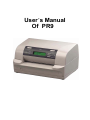
The PR 9 printer offers the following emulations:
S OLIVETTI
Including the option Magnetic Stripe Reader / Writer (see paragraph 3.4.5)
S OKI
S IBM
S LQ
S IBM 9068
You can modify the emulation you need by entering the corresponding menu setup.
3.4 Menu Setup Description
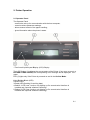
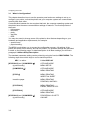
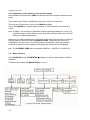
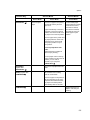
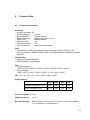
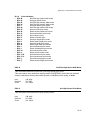
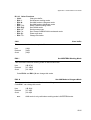
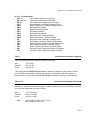
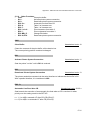
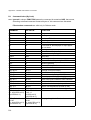
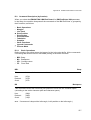
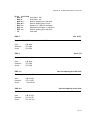
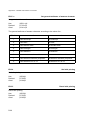
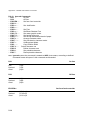
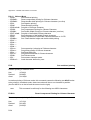
MENU SETUP was classified into 10 modules
S SELECT CURRENT MACRO (see paragraph 3.4.1)
S SELECT USER TO SETUP
(see paragraph 3.4.2)
S CONFIGURE
(see paragraph 3.4.3)
S OPTION TRACTOR
(see chapter 5 Options) *)
S OLIVETTI CONFIGURE
(see paragraph 3.4.4)
S OKI CONFIGURE
(see paragraph 3.4.6)
S IBM CONFIGURE
(see paragraph 3.4.7)
S LQ CONFIGURE
(see paragraph 3.4.8)
S IBM 9068 CONFIGURE
(see paragraph 3.4.9)
S LANGUAGE
(see paragraph 3.4.10)
S SAVE PARAMETERS
(see paragraph 3.4.11)
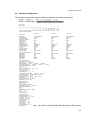
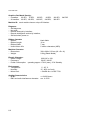
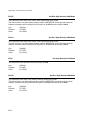
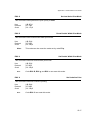
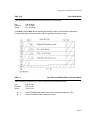
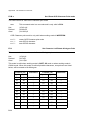
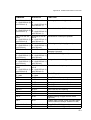
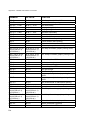
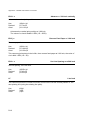
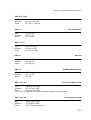
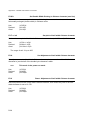
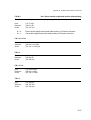
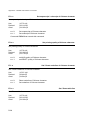
To modify various modules’ parameters you should enter a corresponding module. Before
modifying printer parameters, please select the desired macro first. The current macro is
the one to be changed.
*) only for PR 9 with Tractor Option
3-5