1
Dotmarketing CMS User Manual | 21
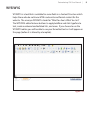
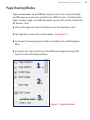
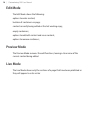
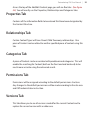
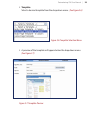
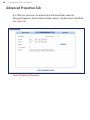
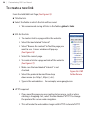
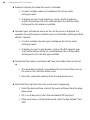
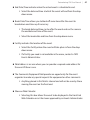
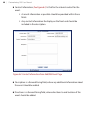
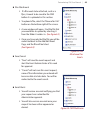
Across the top of the Add/Edit Content page, you will see five tabs. (See Figure
2.6) You will mostly use the Properties, Relationships and Categories tabs.
Properties Tab
Contains all the information fields to be entered that have been designated by
the Content Structure.
Relationships Tab
Certain Content Types will have Parent/Child Taxonomy relationships. One
piece of Content can be related to another specified piece of content using this
tab. Categories Tab
A piece of Content can be associated with predetermined categories. This will
enable the searching for Content (both on the front end and back end) to be
much more accurate using the advanced search.
Permissions Tab
Permissions will be assigned according to the default permissions structure. Any changes to the default permissions will be made according to the site area
and CMS administrator instruction.
Versions Tab
This tab allows you to see all versions created for the current Content and to
replace the current version with an older one.