1
Chapter 1
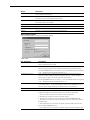
1
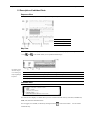
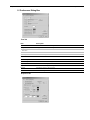
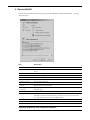
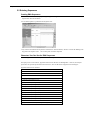
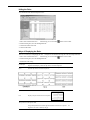
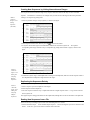
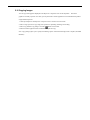
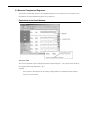
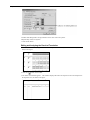
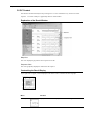
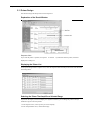
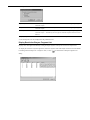
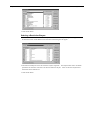
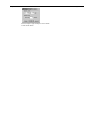
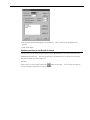
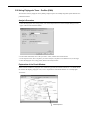
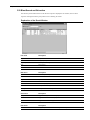
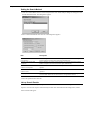
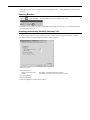
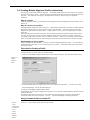
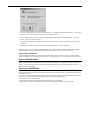
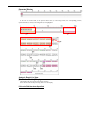
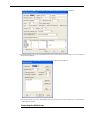
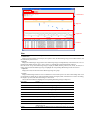
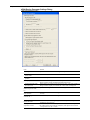
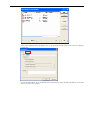
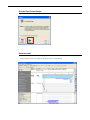
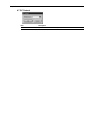
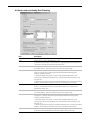
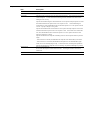
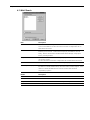
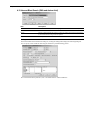
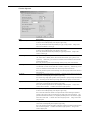
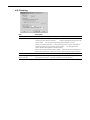
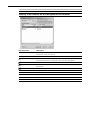
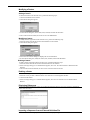
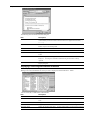
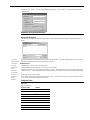
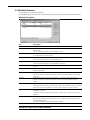
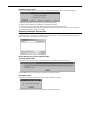
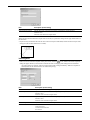
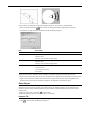
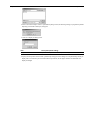
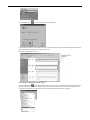
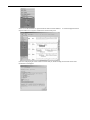
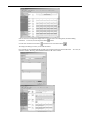
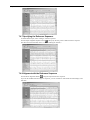
For details, refer
to "1.5
Preferences
Dialog Box".
2
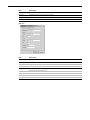
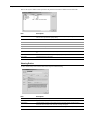
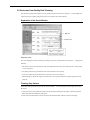
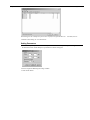
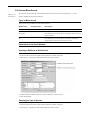
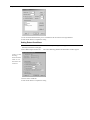
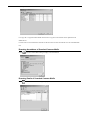
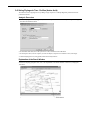
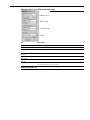
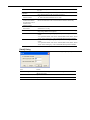
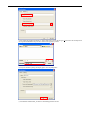
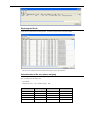
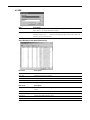
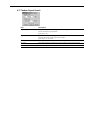
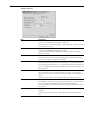
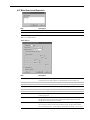
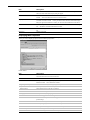
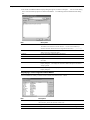
For details, refer
to "1.6 Internet
Setting Dialog
Box".
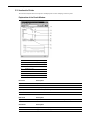
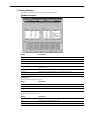
Window Descriptions
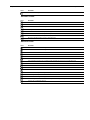
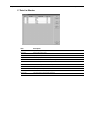
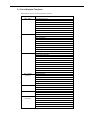
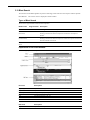
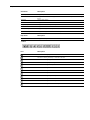
Upper Case
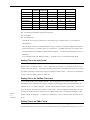
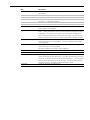
Converts the expression of a sequence into uppercase characters.
Lower Case
Converts the expression of a sequence into lowercase characters.
Exchange Case
Converts the expression of a sequence with uppercase and lowercase characters.
Mask
Masks the sequence of a range.
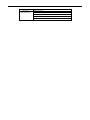
Make Consensus
Uses the Editor to enter a consensus sequence as a new sequence in the alignment mode.
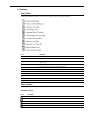
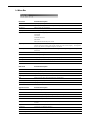
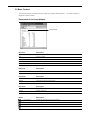
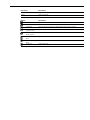
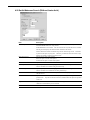
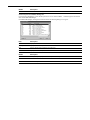
View menu
Function description
Analysis ButtonView
Views/hides the Analysis Button View.
Comment View
Views/hides the Comment View.
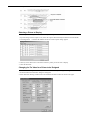
Map View
Views/hides the Map View
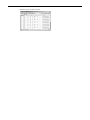
Data List...
Displays the Data List window.
Standard Toolbar
Views/hides the Standard toolbar.
Switch Pane Toolbar
Views/hides the Window Switchover toolbar.
DNA Toolbar
Views/hides the DNA toolbar.
Amino Acid Toolbar
Views/hides the Amino Acid toolbar.
Annotation Toolbar
Views/hides the Annotation toolbar.
Status Bar
Views/hides the Status Bar.
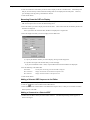
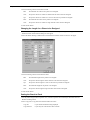
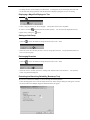
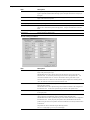
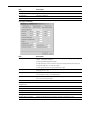
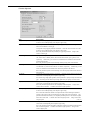
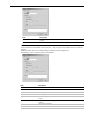
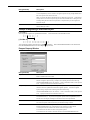
Preferences...
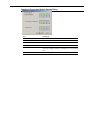
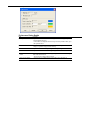
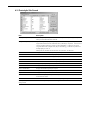
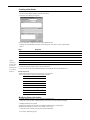
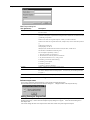
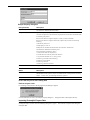
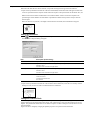
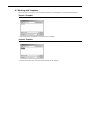
Displays the Preferences1.
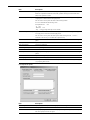
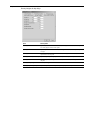
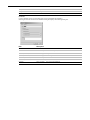
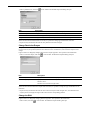
Internet Options...
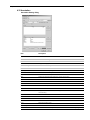
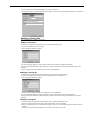
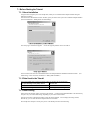
Displays the Internet Setting dialog box2.
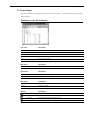
Help menu
Function description
Contents
Displays online help.
User Forum Web Page
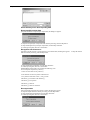
Displays a Web site for the User Forum of DNASIS MAX.
of being connected to the Internet.
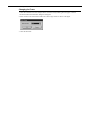
About DNASIS MAX...
Displays the version information.
This requires an environment capable
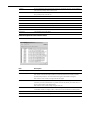
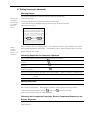
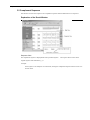
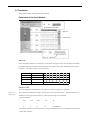
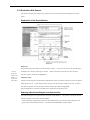
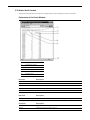
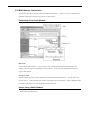
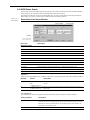
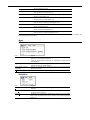
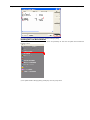
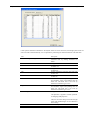
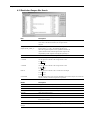
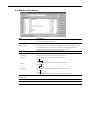
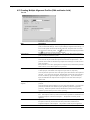
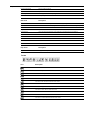
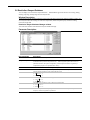
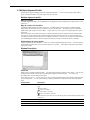
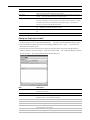
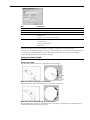
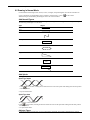
Popup Menu on Annotation Display
Menu
Description
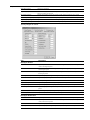
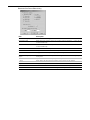
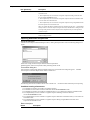
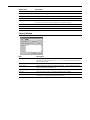
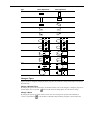
Selected Annotation Setting...
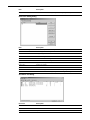
Displays the Annotation Setting dialog to set the parameters for the selected annotation (or part).
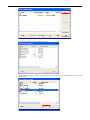
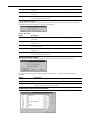
Annotation List...
Displays the Annotation List dialog to list up annotations.
Kind Color Setting...
Displays the Kind Color Setting dialog to set colors.
New Annotation
Create a new annotation.
Add Annotation To Selected
Area
Adds the selected range as an annotation.
Add Annotations To Selected
And Emphasised Area
Adds a selected area and an emphasized area as separate annotations.
Add Annotation Parts To
Adds annotations that have selected areas and emphasized areas as separate annotation parts.
Selected And Emphasised Area
Duplicate Annotation
Duplicates a selected annotation.
Show All Annotations
Shows all the annotations, including the hidden annotations.
Hide Selected Annotations
Hides selected and emphasized annotations, including partly selected or emphasized ones.
Delete Selected Annotations
Deletes the selected or highlighted annotation (or part).
Move Up Selected Annotation
Moves the selected annotation (or part) one step forward.
Move Down Selected
Annotation
Moves the selected annotation (or part) step down.
9