1
Chapter 5
Databases
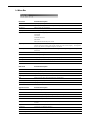
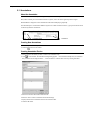
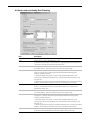
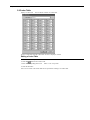
5.8 Codon Table
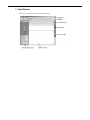
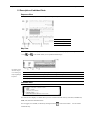
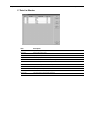
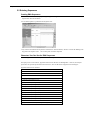
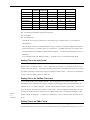
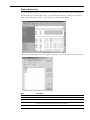
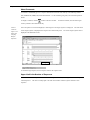
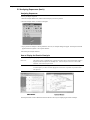
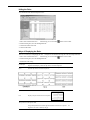
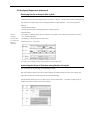
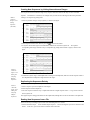
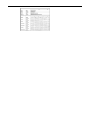
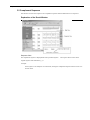
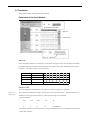
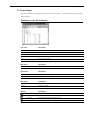
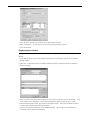
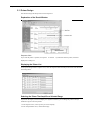
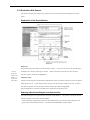
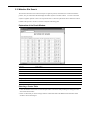
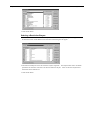
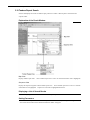
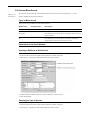
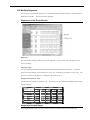
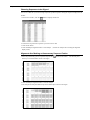
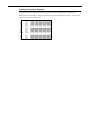
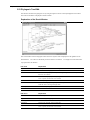
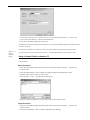
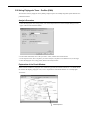
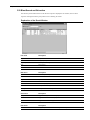
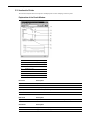
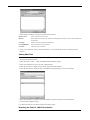
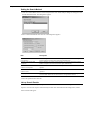
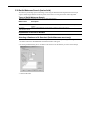
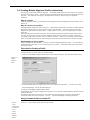
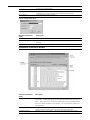
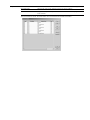
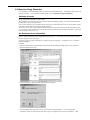
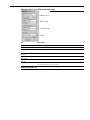
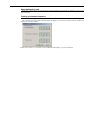
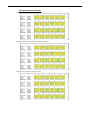
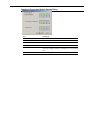
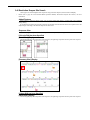
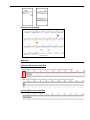
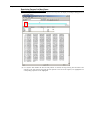
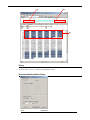
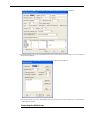
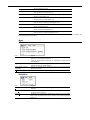
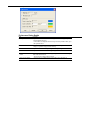
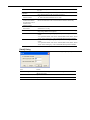
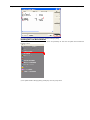
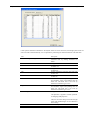
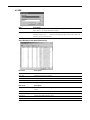
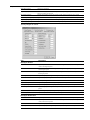
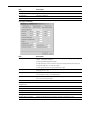
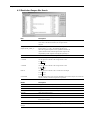
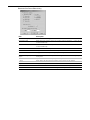
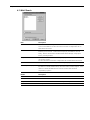
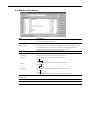
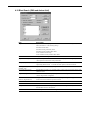
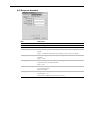
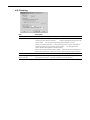
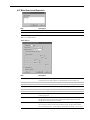
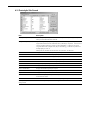
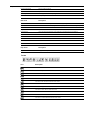
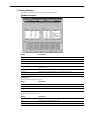
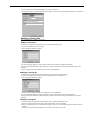
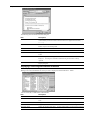
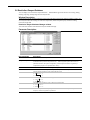
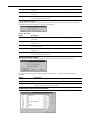
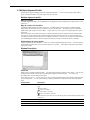
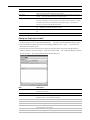
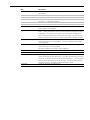
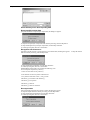
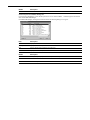
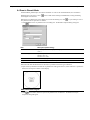
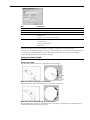
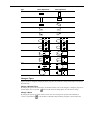
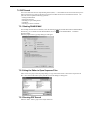
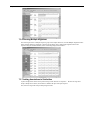
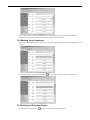
Displays a codon table.
You can edit the contents of a codon table.
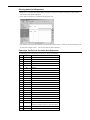
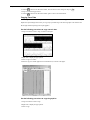
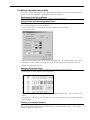
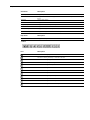
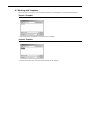
Choose a codon table from the Codon Table: list box to display its contents.
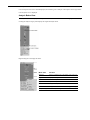
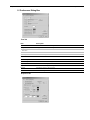
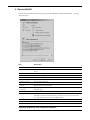
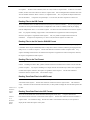
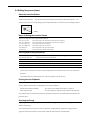
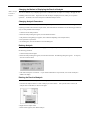
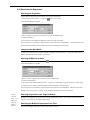
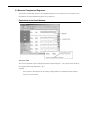
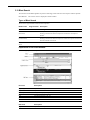
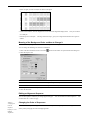
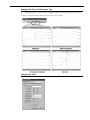
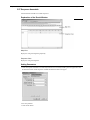
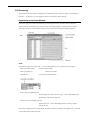
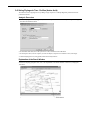
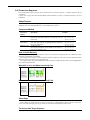
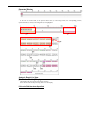
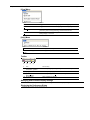
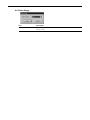
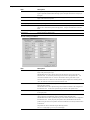
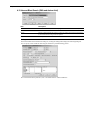
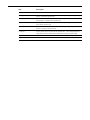
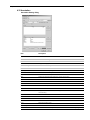
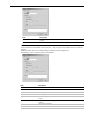
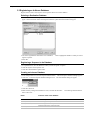
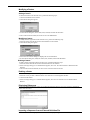
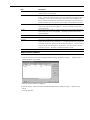
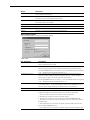
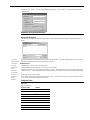
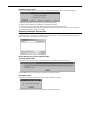
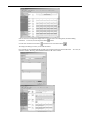
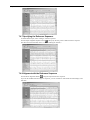
Editing a Codon Table
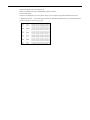
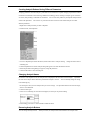
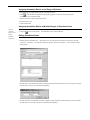
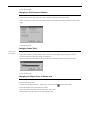
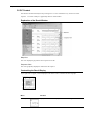
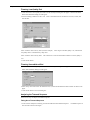
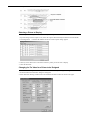
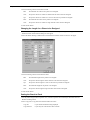
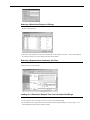
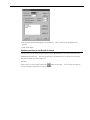
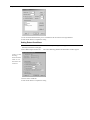
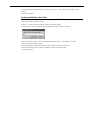
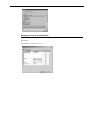
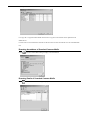
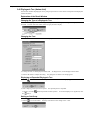
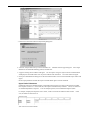
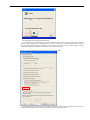
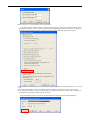
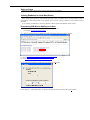
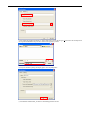
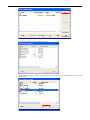
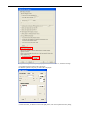
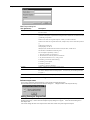
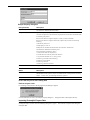
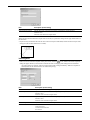
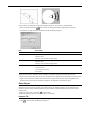
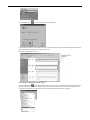
1. Select the codon table you want to edit.
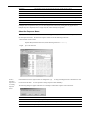
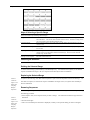
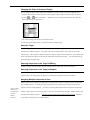
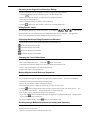
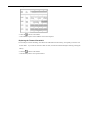
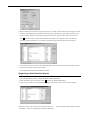
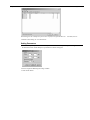
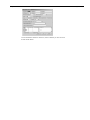
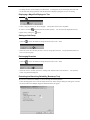
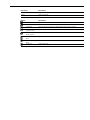
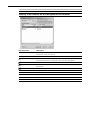
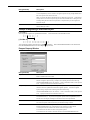
2. Click the
button for the codon to edit.
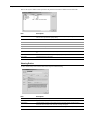
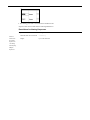
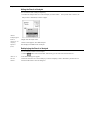
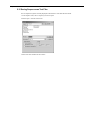
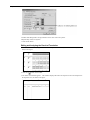
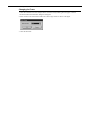
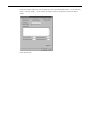
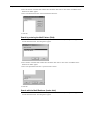
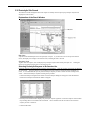
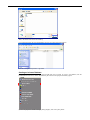
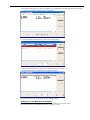
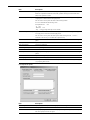
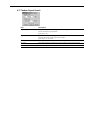
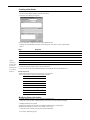
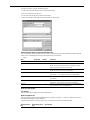
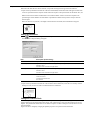
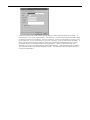
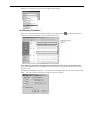
3. Select the corresponding amino acid.
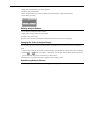
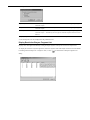
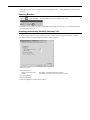
Select *** for a stop codon.
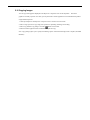
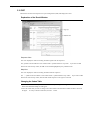
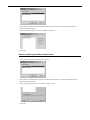
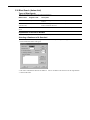
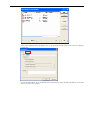
4. Click the OK button.
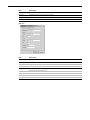
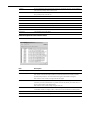
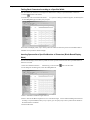
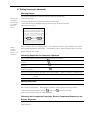
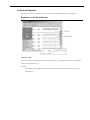
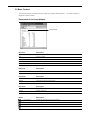
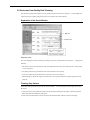
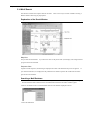
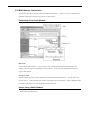
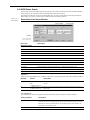
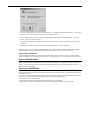
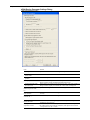
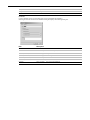
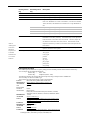
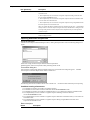
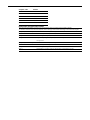
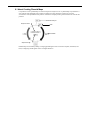
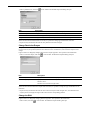
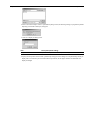
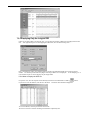
Note: User1 to User4 in the Codon Table list are provided for creating a new codon table.
289