1
Chapter 4
Details of Parameters 219
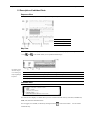
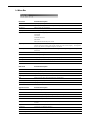
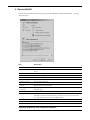
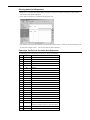
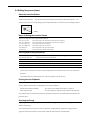
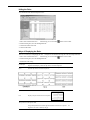
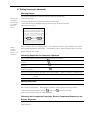
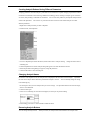
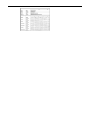
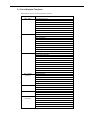
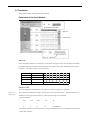
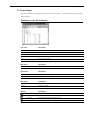
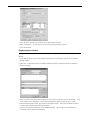
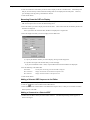
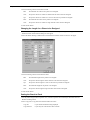
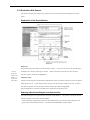
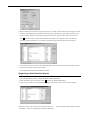
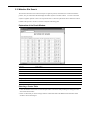
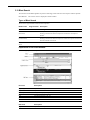
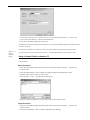
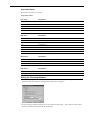
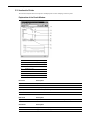
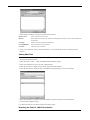
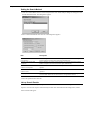
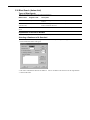
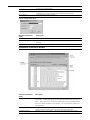
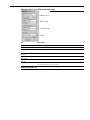
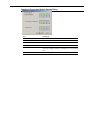
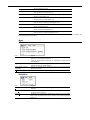
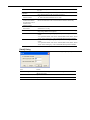
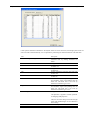
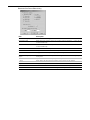
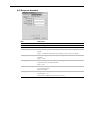
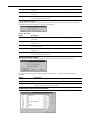
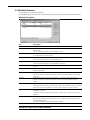
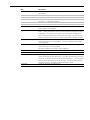
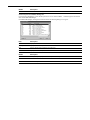
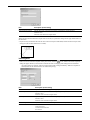
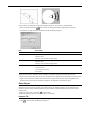
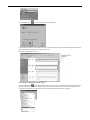
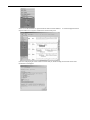
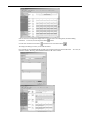
Item
Description
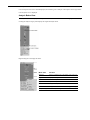
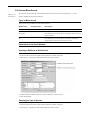
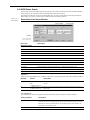
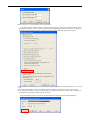
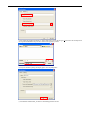
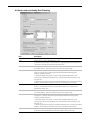
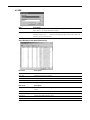
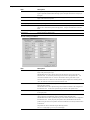
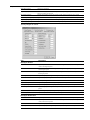
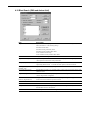
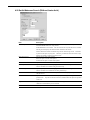
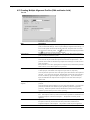
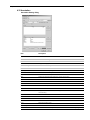
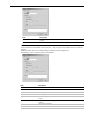
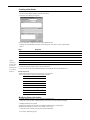
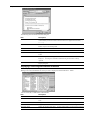
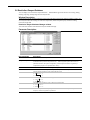
Trim Vector
Specifies whether to trim a vector sequence.
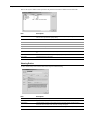
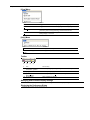
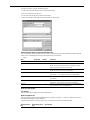
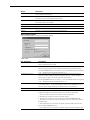
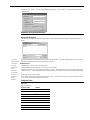
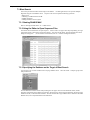
Vector Name
Select the vector you want to trim from the list.
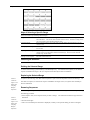
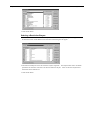
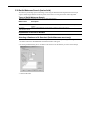
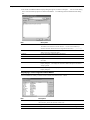
Cloning Site
Select the cloning site for the vector you want to trim from the list. You can select up to two items
on the cloning site. To select more than one cloning site item, click each item in the list while
holding down the Ctrl key.
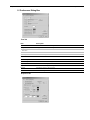
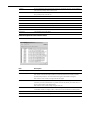
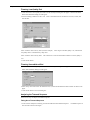
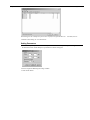
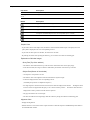
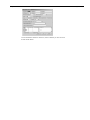
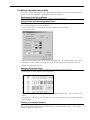
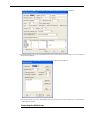
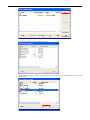
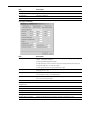
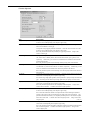
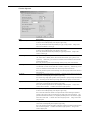
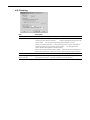
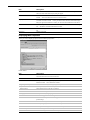
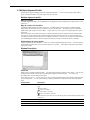
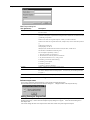
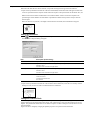
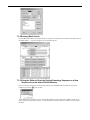
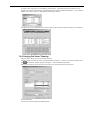
Specifies the minimum length of a match between the vector sequence and input sequence to use the
DP method to determine the portion of the vector sequence to trim. If the matched length is
smaller than this value, DNASIS MAX will not assume the sequence as a vector sequence and will
not trim. Specify an integer of 15 or greater.
Specifies the minimum match ratio between the vector sequence and input sequence to use the DP
method to determine the portion of the vector sequence to trim. If the match ratio is smaller than
this value, DNASIS MAX will not assume the sequence as a vector sequence and will not trim.
Specify an integer of 0 or greater.
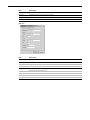
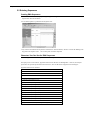
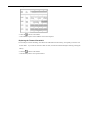
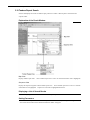
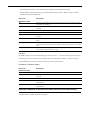
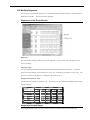
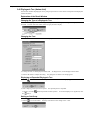
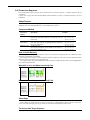
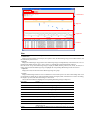
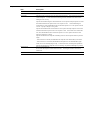
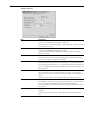
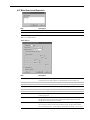
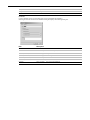
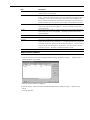
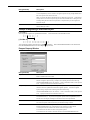
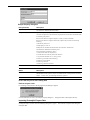
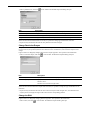
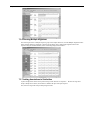
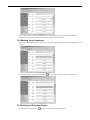
Specifies the destination to output data if trimming results in a shorter sequence than the specified
length.
- If this check box is selected, DNASIS MAX will output data to the Others folder (lower folder).
- If this check box is not selected, DNASIS MAX will output data to the Trimmed folder (upper
folder). If "If vector trimming length is 0 bp..." is selected, however, that setting takes precedence.
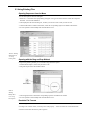
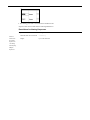
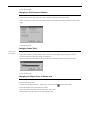
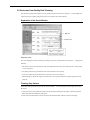
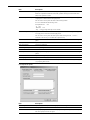
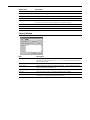
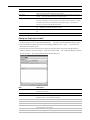
Specifies the destination to output data if vector trimming is not performed although it is specified.
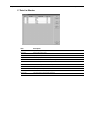
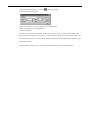
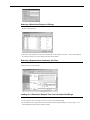
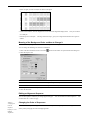
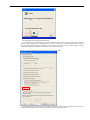
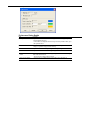
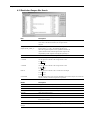
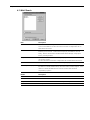
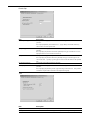
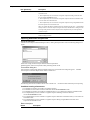
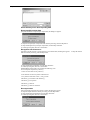
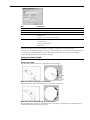
Output Options
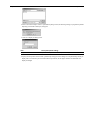
Not used in DNASIS MAX.
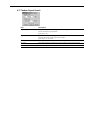
Do not select the Output to "Others" folder check box.
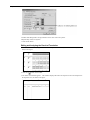
malfunction.
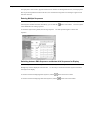
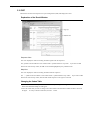
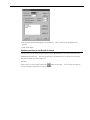
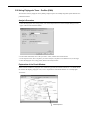
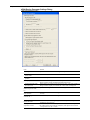
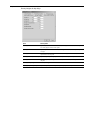
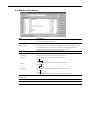
Default button
Returns parameters to default values.
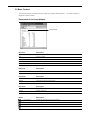
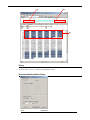
To trim a vector, select the check box.
You can select only one vector.
Selecting this check box will result in