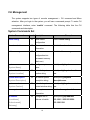
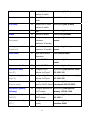
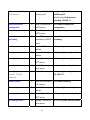
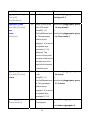
1
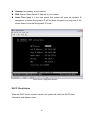
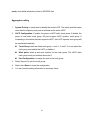
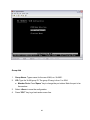
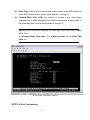
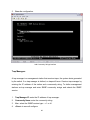
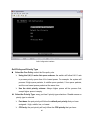
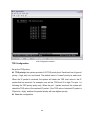
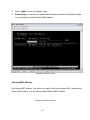
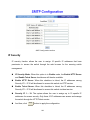
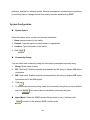
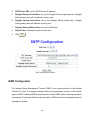
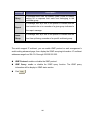
3. Trap Version: select the SNMP trap version type – v 1 or v2c.
4. Click Add .
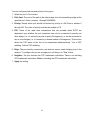
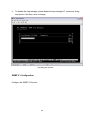
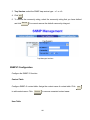
5. To remove the community string, select the community string that you have defined
and click Remove . You cannot remove the default community string set.
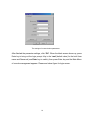
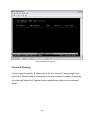
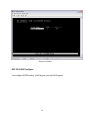
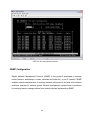
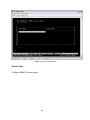
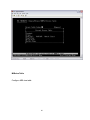
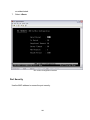
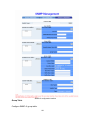
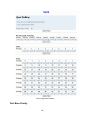
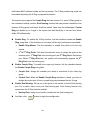
Trap Managers interface
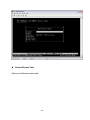
SNMPV3 Configuration
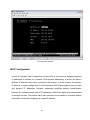
Configure the SNMP V3 function.
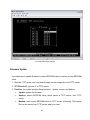
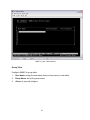
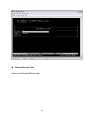
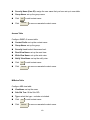
Context Table
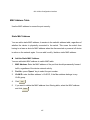
Configure SNMP v3 context table. Assign the context name of context table. Click Add
to add context name. Click
Remove
to remove unwanted context name.
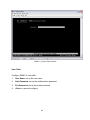
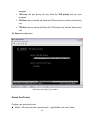
User Table
150