1
2. Setting up and using the console - Page 31
operation of the console for a particular use. See section 12.2 on
page 162 for details.
2.3.7
Undo/Redo
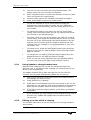
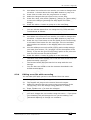
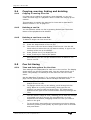
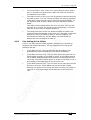
You can undo and redo up to 20 actions by pressing Avo shift and the
Undo or Redo buttons below the numeric keypad (on black Pearl
Expert consoles these are the Left arrow (Undo) and Right arrow
(Redo) buttons). So for example if you press Clear then wish you
hadn’t, the Undo function will restore the console state.
You can use undo/redo on the following actions:
2.3.8
•
Fixture selection
•
Attribute adjustment (eg Pan, Tilt, colour changes)
•
Locate
•
Clear
•
Keypad input
•
Applying Palettes
•
Group selection
•
Off
•
Align
•
Flip
Key macro buttons
Lighting programming can sometimes require a repeated sequence of
button presses. You can record sequences of keypresses and play
them back with a single keypress – this is called a macro.
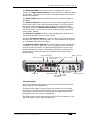
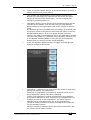
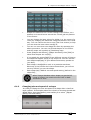
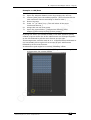
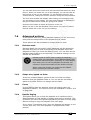
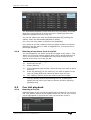
Macros can be stored in the 10 dedicated buttons below the Preset
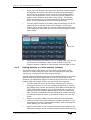
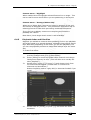
Playbacks, and there is also a Macro button window which can be
shown in the workspace. The macro buttons correspond to the first
10 macros in the window.
Macro buttons
To record a macro:
1>
Press the Macro button
2>
Press [Record]
3>
Press an empty Macro button on the panel, or an empty button
in the Macro window on the screen. Recording starts. The
Insert/Macro button flashes during recording.
TitanUniversal_Man_v5-0_TT.doc 23 September 2011