1
CN2610 User’s Manual
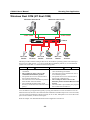
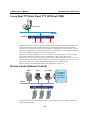
Windows Real COM/Linux Real TTY/Unix Fixed TTY
3.
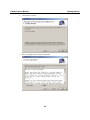
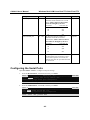
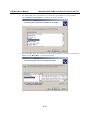
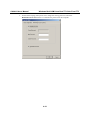
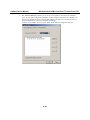
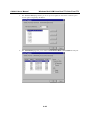
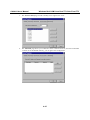
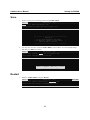
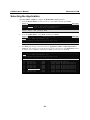
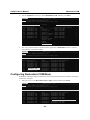
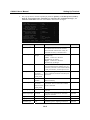
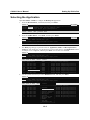
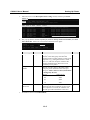
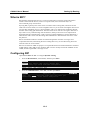
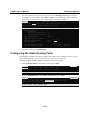
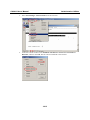
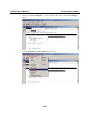
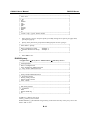
On the General page, you can see the server’s Serial No., and modify Server Name, Server
IP, and Netmask. Select the Enable option (to the right of DHCP)if the network parameters
are assigned automatically by a DHCP server.
4.
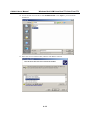
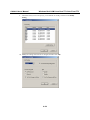
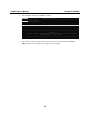
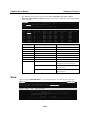
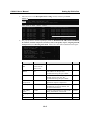
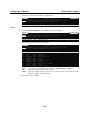
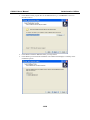
On the Password page, set up a password for this CN2610 for added security. Check the
Auto Save Password on this computer box if you want your computer to remember the
password.
4-45