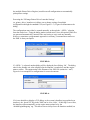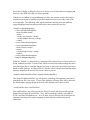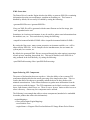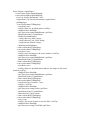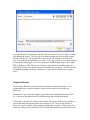
1
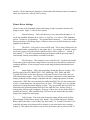
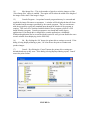
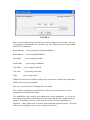
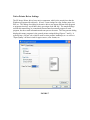
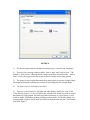
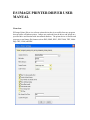
FIGURE 8
1)
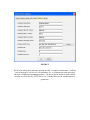
The driver supports the two standard orientation types: ‘portrait’ and ‘landscape’.
2) There are also two page orders possible: ‘front to back’ and ‘back to front’. The
default is ‘front to back’, which means the images created are in normal order. ‘back to
front’ reverses the pages so the first image created is actually the last page printed.
3) The pages per sheet option determines how many pages get put into a single image.
The pages are basically scaled down versions of each image put into a single image.
4)
The paper source is irrelevant to the driver.
5) There are 2 color formats: 1-bit black and white (binary) and 24-bit color. If the
'Color Format' (Figure 1) is set to 'Default', the selected color format here will be used. If
documents are being printed, the black and white option may be a good choice. It will
result in smaller files and the printing will happen much faster. For all other things, it is
recommended to print in Color mode and select the desired color with the 'Color Format'
field from Figure 1.