1
5. PC CONFIGURATION
5.10
OPTIONS MENU
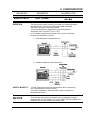
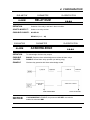
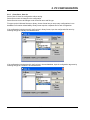
5.10.1 Copy line
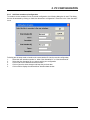
The copy line function can be used to copy the configuration details on one channel (source channel) to
other channels (Destination channels). This option saves the effort required to configure a channel if a
similar kind of monitoring is required on other channels. Following are the steps followed to execute the
copy line operation.
1.
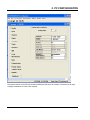
Create a configuration for the selected DPR type.
2.
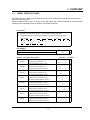
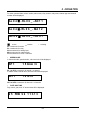
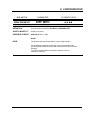
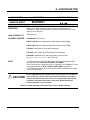
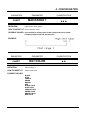
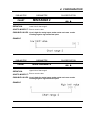
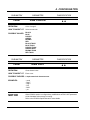
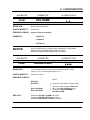
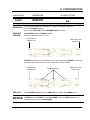
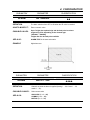
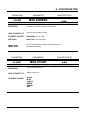
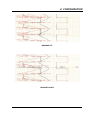
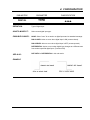
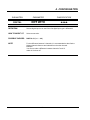
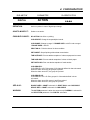
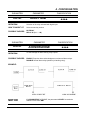
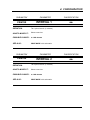
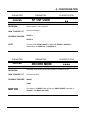
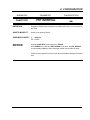
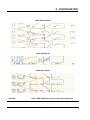
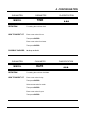
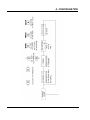
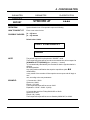
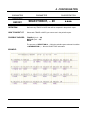
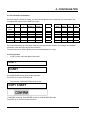
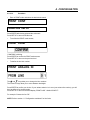
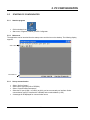
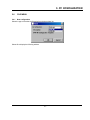
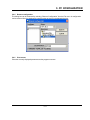
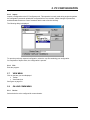
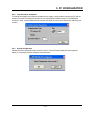
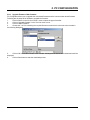
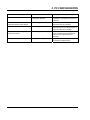
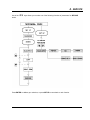
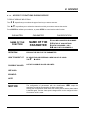
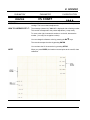
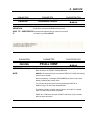
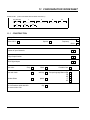
Access the following dialog by choosing “Copy Line” option in the Options menu.
3.
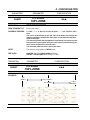
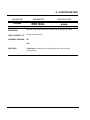
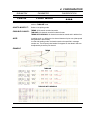
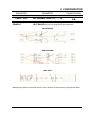
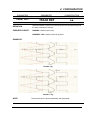
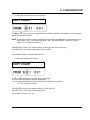
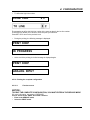
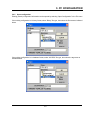
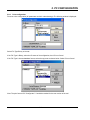
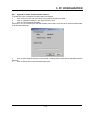
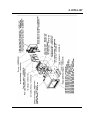
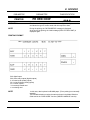
Specify the source line and a destination line or range of lines.
5.11
WINDOW MENU
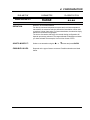
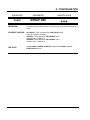
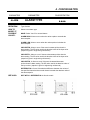
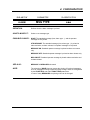
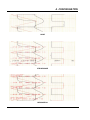
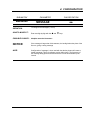
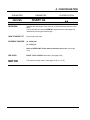
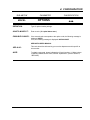
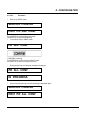
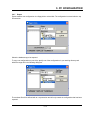
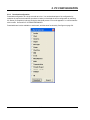
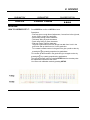
Contains usual options Cascade, Tile, Arrange Icons. Shows names of all open configurations.
5.12
ABOUT
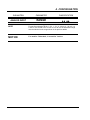
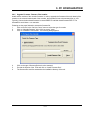
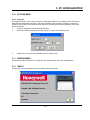
Provides the version information of the tool and the license information.
5-23