1
JOBNAME: CHRY NAVI INTL (Cont PAGE: 29 SESS: 2 OUTPUT: Wed Feb 23 11:00:08 2011 SUM: 2BFCC4D0
/chry_pdm/chrysler/navi/rhw/navi
art=rer-38506.tif
NO TRANS
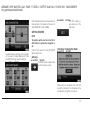
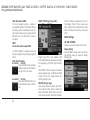
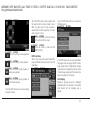
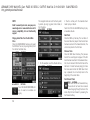
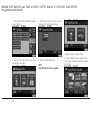
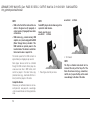
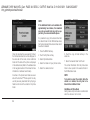
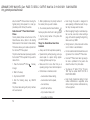
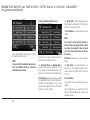
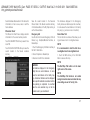
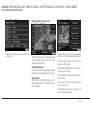
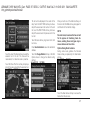
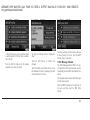
Touch the COPY soft-key to start
the copy process.
art=rew-39073.tif
NO TRANS
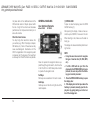
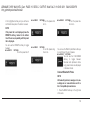
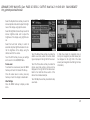
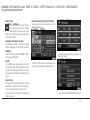
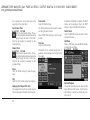
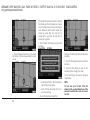
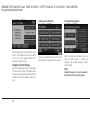
Disc Menu
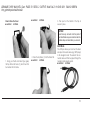
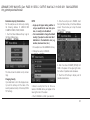
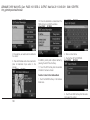
While in disc mode with inserted audio disc,
press the MENU hard-key to access the Disc
Menu.
art=rew-39074.tif
NO TRANS
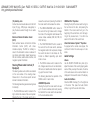
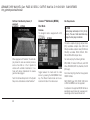
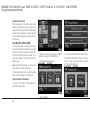
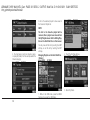
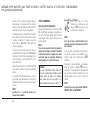
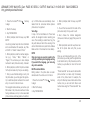
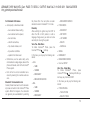
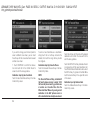
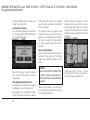
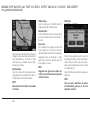
Select Random to play the titles on the disc in
random order. Select Random again to turn
Random off.
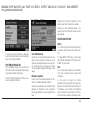
Select Rpt. TRK to repeat the currently playing
title. Touch the Rpt. TRK soft-key again to stop
the repeat mode.
Select Repeat Folder to repeat all songs in the
currently playing folder (MP3/WMA disc only).
Touch the Repeat Folder soft-key again to stop
the repeat mode.
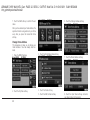
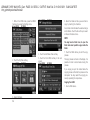
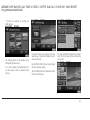
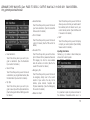
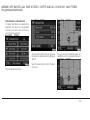
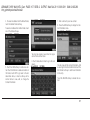
The copy progress is shown in the display. It is
possible to listen to radio modes during this
process. Copying time is greater than 5x the
normal playback rate.
art=rer-38507.tif
NO TRANS
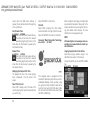
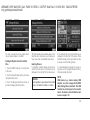
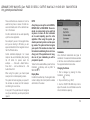
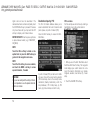
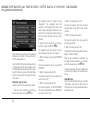
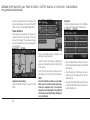
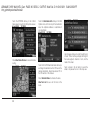
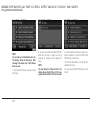
Touch the STOP COPY soft-key to
stop the copy process at any time.
Playing a MP3/WMA Disc
1. Press the OPEN/CLOSE hard-key once.
2. With the printed side upwards, insert the
disc into the disc slot of the radio. The radio
pulls the disc in automatically and closes the
flip screen. The radio selects the appropriate
mode after the disc is recognized, and starts
playing the first track. The display shows
“Reading...” during this process.
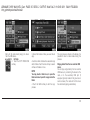
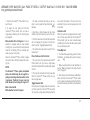
A MP3/WMA disc may contain audio files in a
folder structure. The folder, if any, is shown in
the list view.
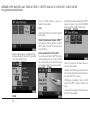
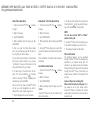
Touch the TRACKS soft-key if the list is not
displayed.
3. Touch the soft-key with a folder symbol to
open a folder.
29