1
JOBNAME: CHRY NAVI INTL (Cont PAGE: 106 SESS: 2 OUTPUT: Wed Feb 23 11:00:08 2011 SUM: 2A86B1D3
/chry_pdm/chrysler/navi/rhw/navi
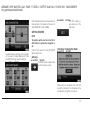
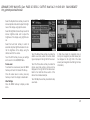
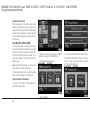
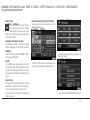
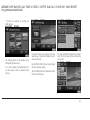
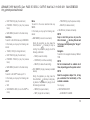
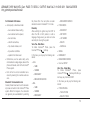
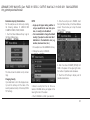
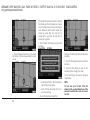
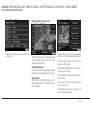
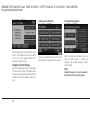
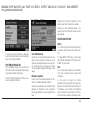
The address book is organized in folders.
• The HOME folder contains only your home
address. Touch this folder soft-key to edit the
home address. You may route to this address
by touching the Guide Me Home soft-key in
the NAV Main Menu.
• The In-Motion Folder contains links to entries
in the other folders. The In-Motion Folder is
the only folder accessible while the vehicle is
in motion. This is a safety feature that limits
the availability of certain navigation tasks
while the vehicle is traveling. Touch the InMotion Folder soft-key and add links to existing entries in the Default Folder, VR Created Entries folder, or any of the
personalized folders.
• The Default Folder contains contacts which
are available whenever the vehicle is not in
motion. Touch the Default Folder soft-key to
add, edit, delete, and route to your contacts.
• The VR Created Entries folder contains contacts which were created with the help of
Voice Command. Touch the VR Created Entries folder soft-key to add, edit, delete, and
route to your contacts.
106
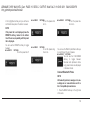
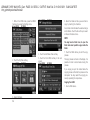
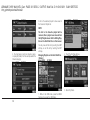
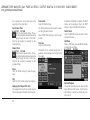
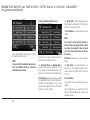
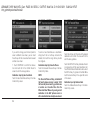
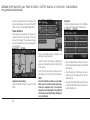
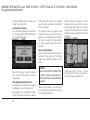
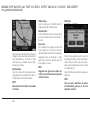
Add a Folder
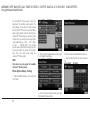
Touch the +Folder soft-key to add a personalized folder. After the new folder is named, the
folder will be available in the address book.
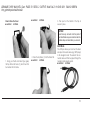
art=rew-39098.tif
NO TRANS
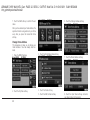
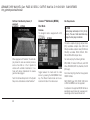
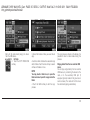
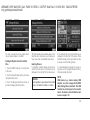
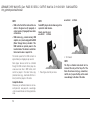
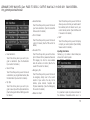
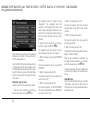
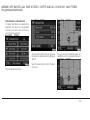
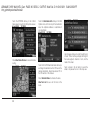
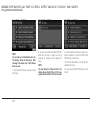
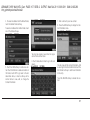
Entering/Editing/Deleting an Address
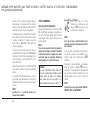
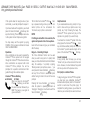
1. Touch MENU to access one of the menus.
art=rew-39140.tif
NO TRANS
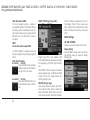
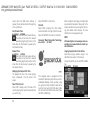
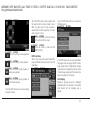
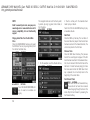
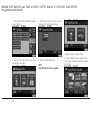
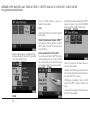
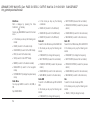
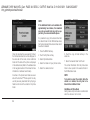
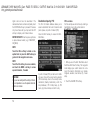
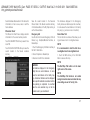
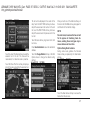
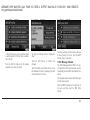
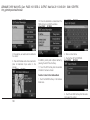
3. Touch My Address Book soft-key to get to
the Address Book menu.
art=rew-39154.tif
NO TRANS
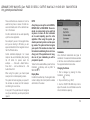
2. Touch My Files for the Manage My Files
screen.
The Address Book screen appears.