1
JOBNAME: CHRY NAVI INTL (Cont PAGE: 79 SESS: 2 OUTPUT: Wed Feb 23 11:00:08 2011 SUM: 218567CA
/chry_pdm/chrysler/navi/rhw/navi
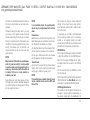
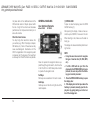
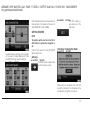
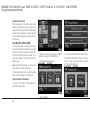
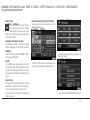
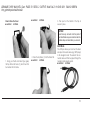
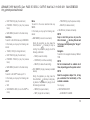
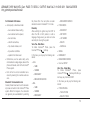
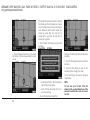
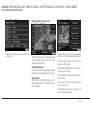
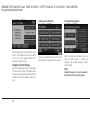
Favourite POI Categories
art=rew-06788.tif
NO TRANS
art=rew-39139.tif
NO TRANS
NOTE:
For your safety, the number of displayed
POI’s may be limited in certain screens,
while the vehicle is in motion.
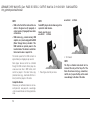
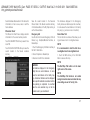
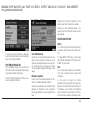
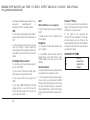
For easier access to POI’s while the vehicle is in
motion, you may define your own POI category
list.
art=rew-06787.tif
NO TRANS
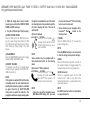
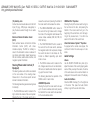
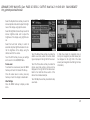
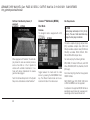
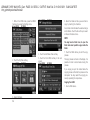
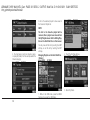
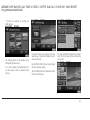
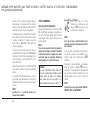
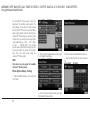
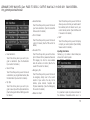
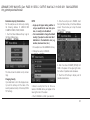
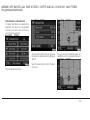
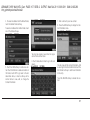
The Favourite POI’s screen shows the available
categories.
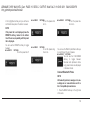
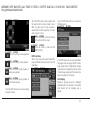
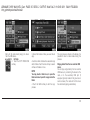
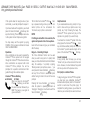
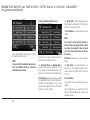
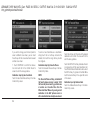
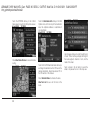
3. Select CLEAR ALL to delete all categories
from the list.
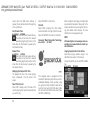
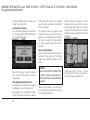
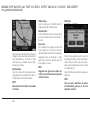
2. You may select ADD to add more categories.
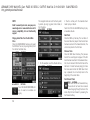
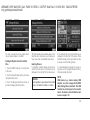
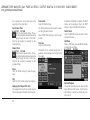
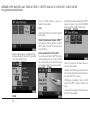
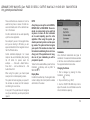
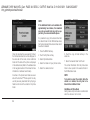
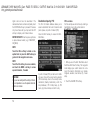
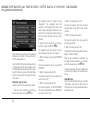
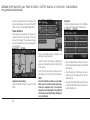
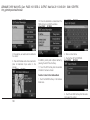
Edit a category soft-key by touching the softkey with the category you would like to edit. If
you select Clear in the next screen the soft-key
will be removed from the list. If you select Move,
you may change the position of the soft-key in
the list.
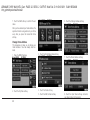
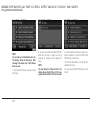
You may select EDIT LIST to either clear all,
clear selected, or move POI categories in the
list.
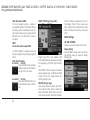
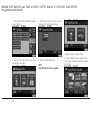
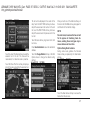
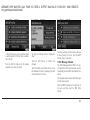
1. Touch the Favourite POI’s soft-key in the
NAV- Main Menu.
Destination Input
Press the NAV hard-key to access the Nav Main Menu.
79