1
Chapter 16 Grid View Customization
311
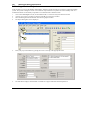
3. Switching to a Different Grid Template
1.
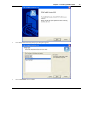
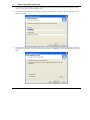
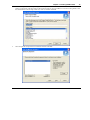
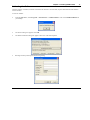
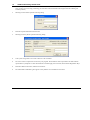
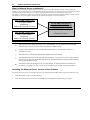
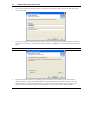
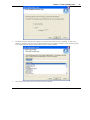
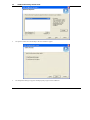
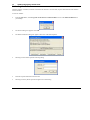
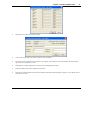
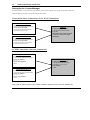
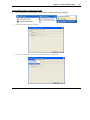
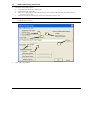
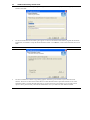
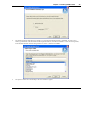
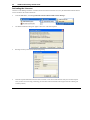
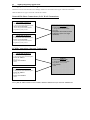
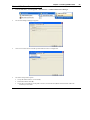
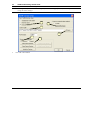
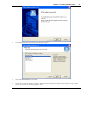
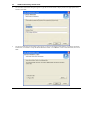
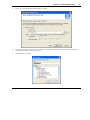
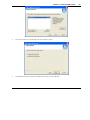
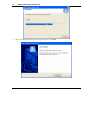
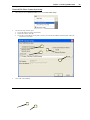
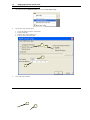
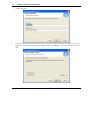
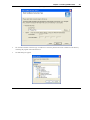
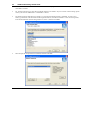
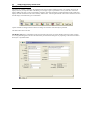
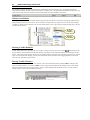
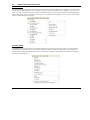
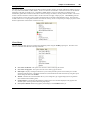
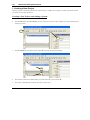
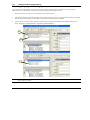
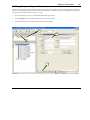
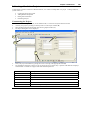
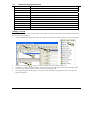
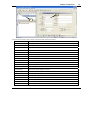
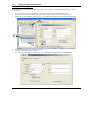
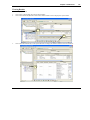
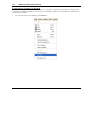
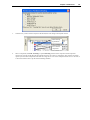
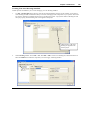
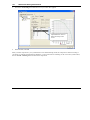
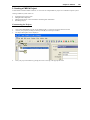
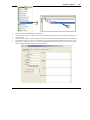
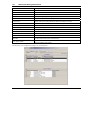
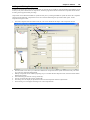
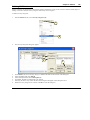
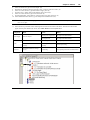
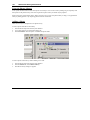
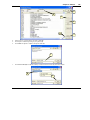
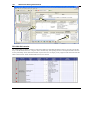
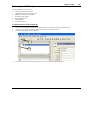
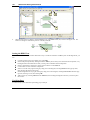
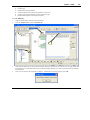
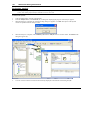
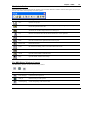
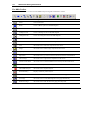
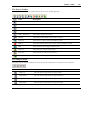
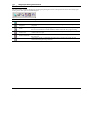
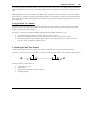
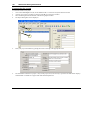
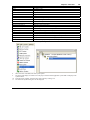
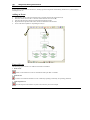
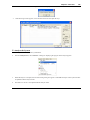
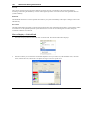
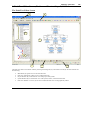
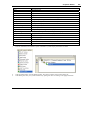
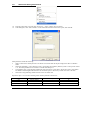
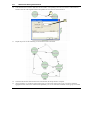
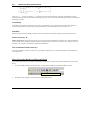
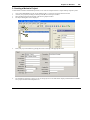
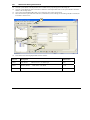
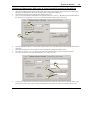
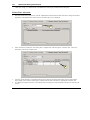
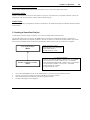
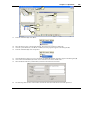
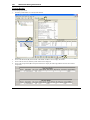
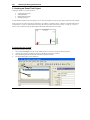
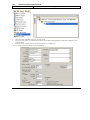
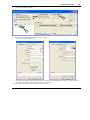
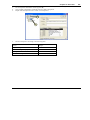
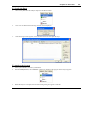
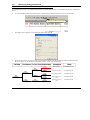
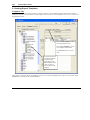
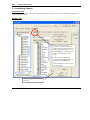
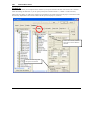
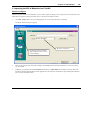
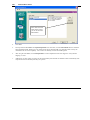
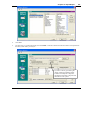
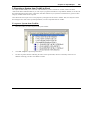
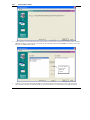
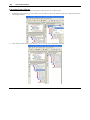
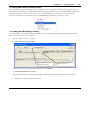
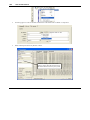
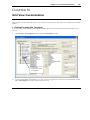
While in the Grid View, use the Settings – Grid Templates menu option to select a different Grid template and Set
selected template as active grid template for selected system. Click OK when ready to return to the Grid View.
2.
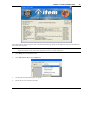
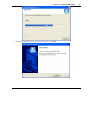
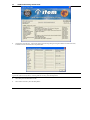
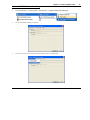
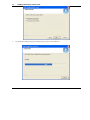
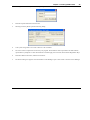
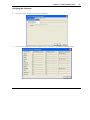
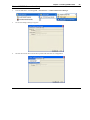
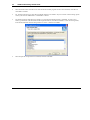
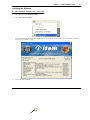
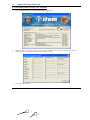
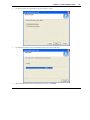
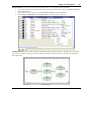
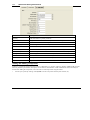
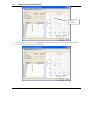
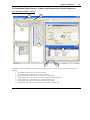
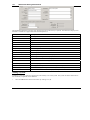
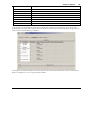
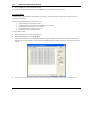
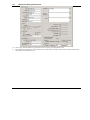
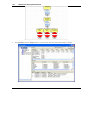
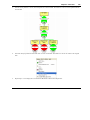
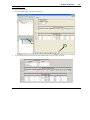
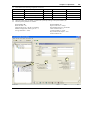
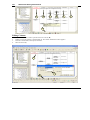
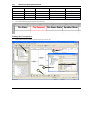
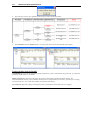
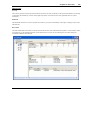
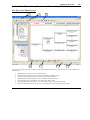
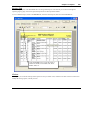
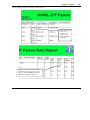
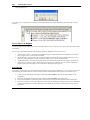
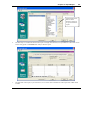
The Grid View is changed to match the Grid template you just selected.
4. Exporting and Printing the Grid View
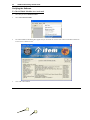
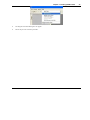
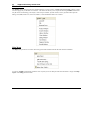
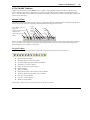
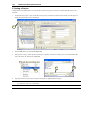
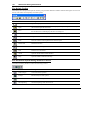
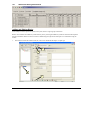
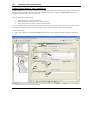
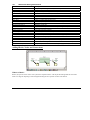
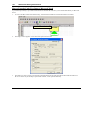
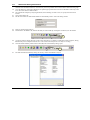
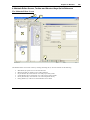
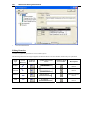
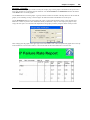
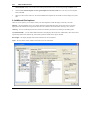
Any Grid View can be exported to several different file formats via the File – Save Grid menu option. Additionally, the
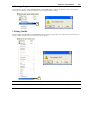
Grid View can be printed directly via the File – Print – Print Active View or File – Print Preview – Print Preview
Active View menu options.