1
04.03
Appendix
Generation Diagnostic File
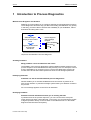
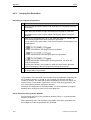
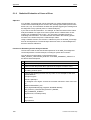
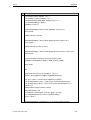
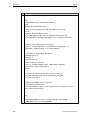
In every generation run, ProAgent creates a diagnostic file called "PaCS.log" in the
WinCC project directory. If a file of the same name exists already, it is overwritten.
The information contained in this file on the generation run will depend on whether
you select the corresponding check box, "Log Error Details":
•
Not selected: OK messages for successfully performed generation steps
•
Selected: messages on errors, error locations and causes of error for the
generation steps that were not completed successfully
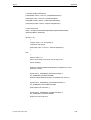
Runtime Mode Diagnostic File
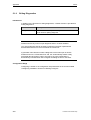
You also have the option of creating a diagnostic file for errors occurring in WinCC
Runtime mode. The file is called "PaRT.log" and is similarly located in the WinCC
project directory.
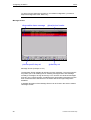
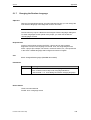
Creating the Runtime Mode Diagnostic File
Procedure
1
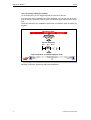
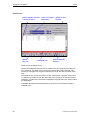
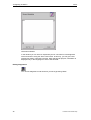
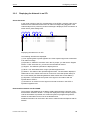
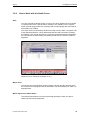
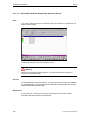
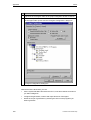
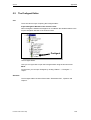
In the ProAgent editor, select the "Report" tab.
2
At "Runtime Diagnostic File", select the check box in front of "Log Errors".
The diagnostic file is created during the next generation run in the WinCC
project directory, or any existing diagnostic file is overwritten.
Note
You should create this file only if you really need the information you derive from it
- in other words, in the event of an error. If you do not, you will use system
resources on the OS unnecessarily.
Printout of the Online Help
153