1
03
Using the menu
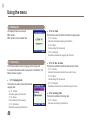
4.2 Schedule
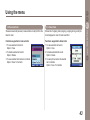
To switch off Alarm:
In Daily Alarm
1.Press
(Stop) to change to the idle mode.
The ‘Repeat’ function is now cancelled.
2.Press
(Snooze) and
(End) keys or wait for 60 seconds
to change to the idle mode. The alarm repeat function remains
as previously configured.
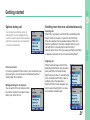
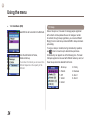
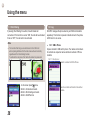
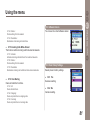
Schedule is composed monthly, week starts with Sunday.
:Date with schedule.
:Date pointed by Focus.
:Today.
:Shows registered contents of day
with Focus.
Functions supported in schedule are as below.
1.To add schedule to selected date.
Option > Add
2.To view schedule on selected date (the same as
Option > View
3.To delete all registered schedules
Option > Delete All
.)
To delete schedule of specific date, Delete must be used in schedule view.
4.To go to specific date.
Option > Go to Date
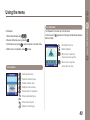
Enter
to go back to one month before today and
to go to
one month after today. Enter
to go back to 1 year before today,
to go to 1 year after today. To register schedule.
48