1
Best Service - TITAN 21
Manual
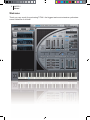
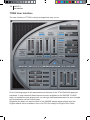
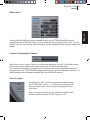
Output Levelmeter
Analog I & II Buttons
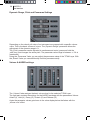
If activated, the two „Analog“ buttons create analog sound characteristics of the selected
Layer. „Analog 1“ is connected to the function „random to skip (sample start)“ and
„Analog 2“ to „random to pitch“.
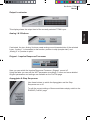
Origami - Impulse Response Processor
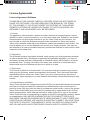
Here you can switch the Impulse Response Processor „Origami“ on and off.
Using the fader you can edit the WET parameter accordingly. Further and more detailed
Origami parameters and settings are available on the Pro Edit page.
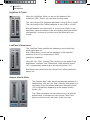
Arpeggiator & Step Sequencer
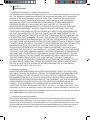
Use these buttons to switch the Arpeggiator and the Step
Sequencer on or off.
To edit the current settings of these modulators simply switch to the
ENGINE „ProEdit“ page.
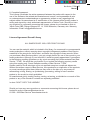
ENGLISH
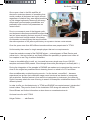
This display shows the output level of the currently selected TITAN Layer.