1
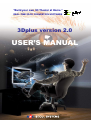
3DplusTM Manual
Enjoying Stereo Movie with 3DplusTM
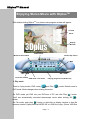
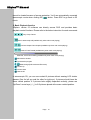
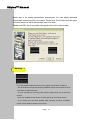
With double-clicking 3DplusTM icon, below main program window will appear.
Context
Menu
Display
Window
Minimize the window
Status Panel
Volume Up / Down
Mute
Close the window
DVD mode / File mode
Playing progress bar (Slider bar)
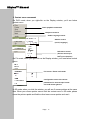
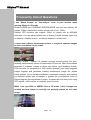
1. Play mode
There’re 2 play modes. DVD mode(
)and File(
) mode. Default mode is
DVD mode. Mode changes when clicking the button.
) button.
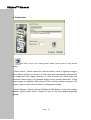
On DVD mode, put DVD into your DVD-rom of PC and click Play(
You’ll see automatically converted stereoscopic movie when clicking 3D(
)
button.
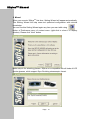
On File mode, push play(
) button or right-click on display window to load file
browser window. Open preferred MPEG file or VOB file to play. (Some VOB files
Page 9