1
Setting Up for a Collection
Users Guide
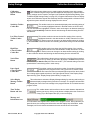
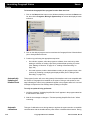
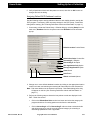
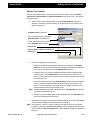
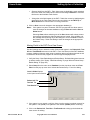
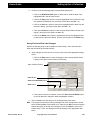
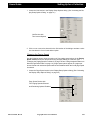
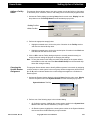
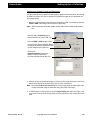
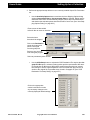
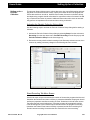
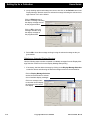
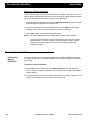
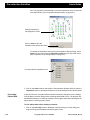
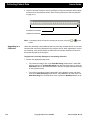
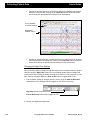
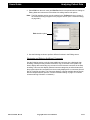
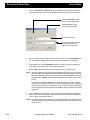
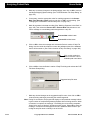
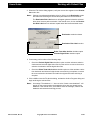
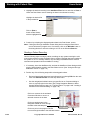
new setting from the activated list. The program will change all settings to the
selected value.
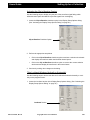
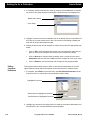
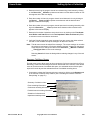
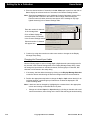
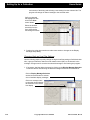
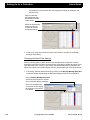
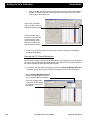
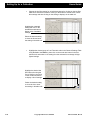
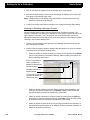
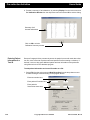
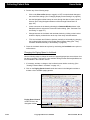
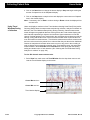
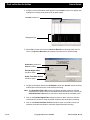
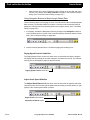
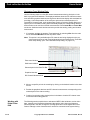
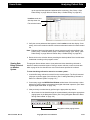
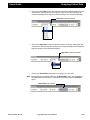
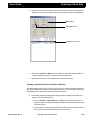
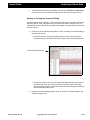
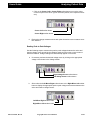
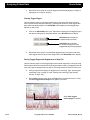
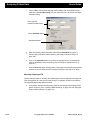
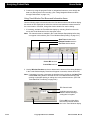
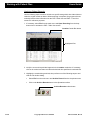
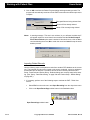
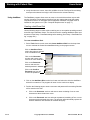
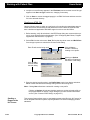
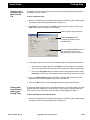
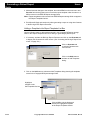
Verify no channels
are highlighted, then
click on the LF or HF
control button.
Select the desired filter
setting from the list
to close the list and
change all settings.
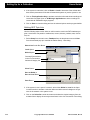
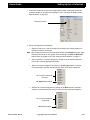
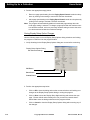
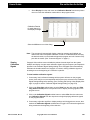
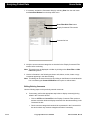
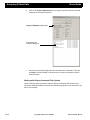
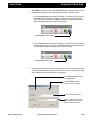
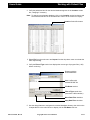
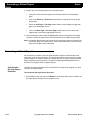
3. Continue by using other sections to make more entries or changes in the Display
Montage Setup dialog.
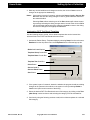
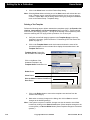
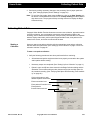
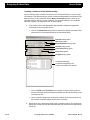
Changing the Notch Filter Settings
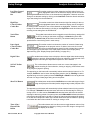
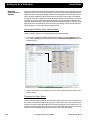
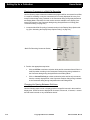
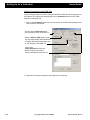
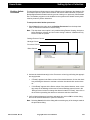
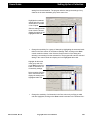
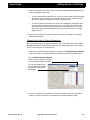
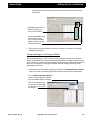
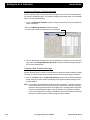
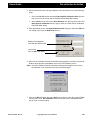
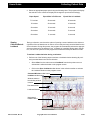
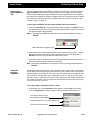
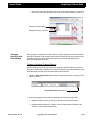
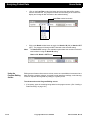
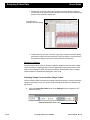
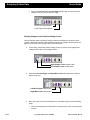
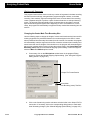
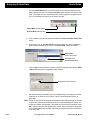
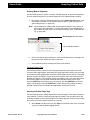
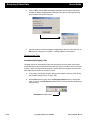
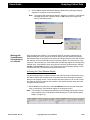
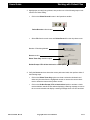
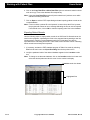
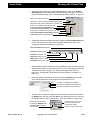
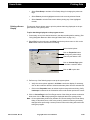
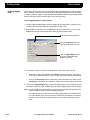
Use the following steps to either attenuate the narrow band of frequencies centered
around the notch filter frequency set at the factory (selected) or disable the option to prevent attenuation from occurring. This feature cannot be disabled during analysis if the
Notch Filter option was activated during collection and the data was recorded as filtered.
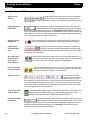
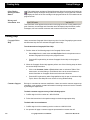
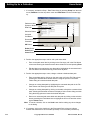
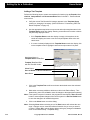
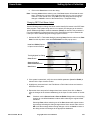
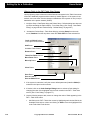
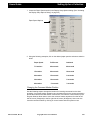
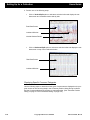
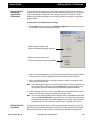
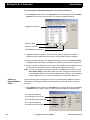
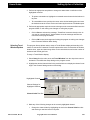
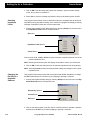
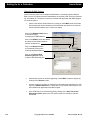
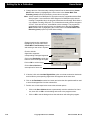
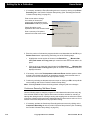
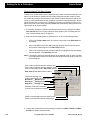
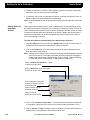
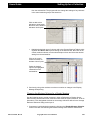
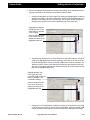
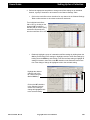
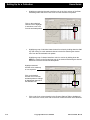
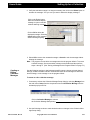
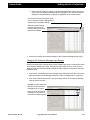
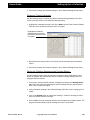
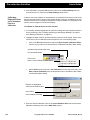
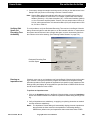
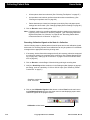
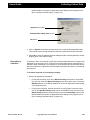
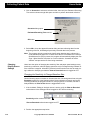
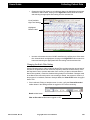
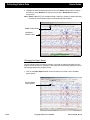
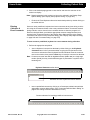
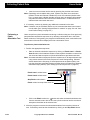
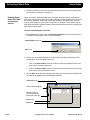
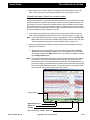
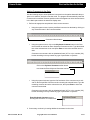
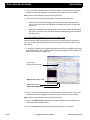
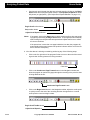
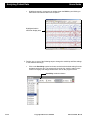
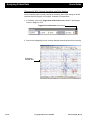
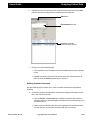
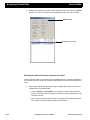
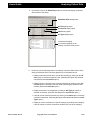
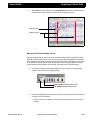
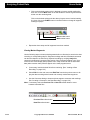
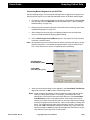
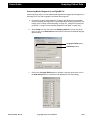
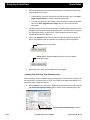
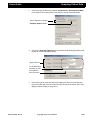
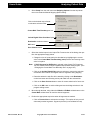
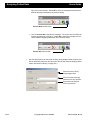
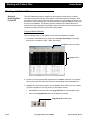
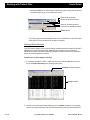
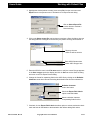
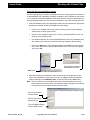
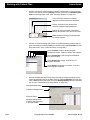
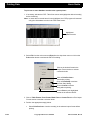
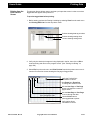
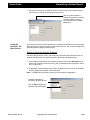
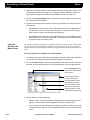
1. If necessary, load the desired montage by clicking on the Display Montage Selection
combo box button and selecting the desired montage name from the activated list.
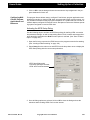
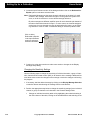
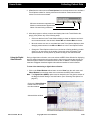
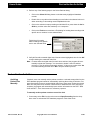
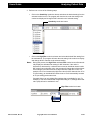
Click on Display Montage Selection
combo box arrow button to activate
a list of available display montages.
Click on a montage name
to close the list and display
the selection in the combo
box display.
2-68
Ceegraph Vision Users Manual
590-CGVUM1, Rev B