1
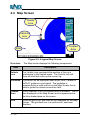
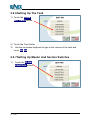
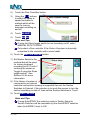
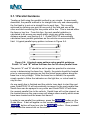
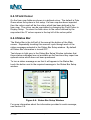
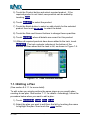
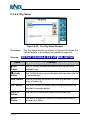
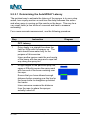
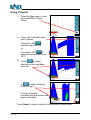
The POINT B button will now revert back to the POINT A button.
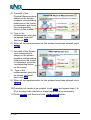
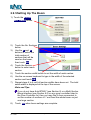
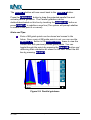
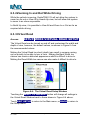
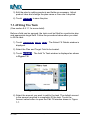
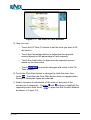
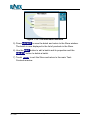
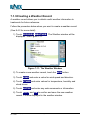
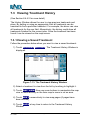
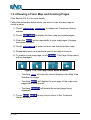
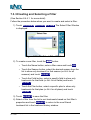
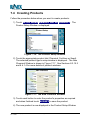
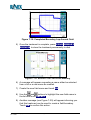
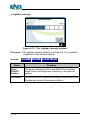
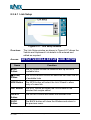
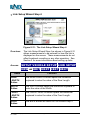
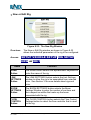
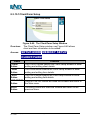
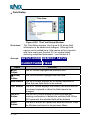
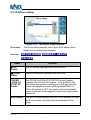
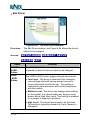
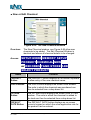
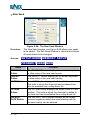
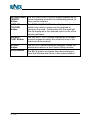
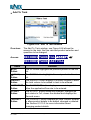
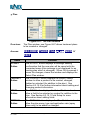
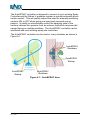
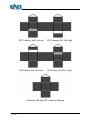
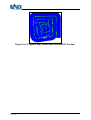
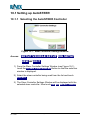
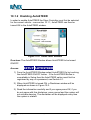
Press the PARALLEL button to draw the projected parallel line and
activate parallel guidance. The Parallel guidance can be
deleted/deactivated on this line by touching the GUIDE OFF button or
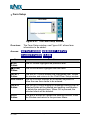
press POINT A to redefine a new line (The system will prompt whether
to create a new point A or cancel).
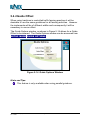
Hints and Tips:
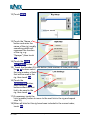
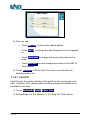
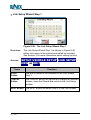
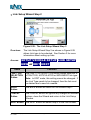
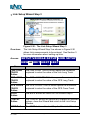
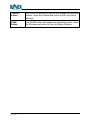
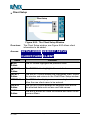
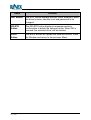
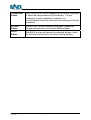
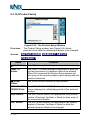
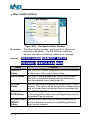
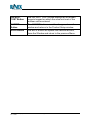
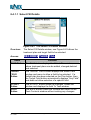
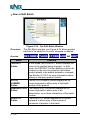
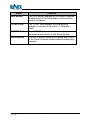
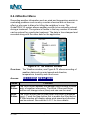
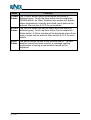
Pairs of AB guide points can be stored and reused in the
future. Once a pair of AB guide points is set, you can use the
SELECT AB button in the GUIDE MORE menu to view the
current field with previously stored guide points. You can
toggle through the points by pressing the Next AB button and
observing their orientation as drawn on the field. Select the AB
line by pressing ACCEPT.
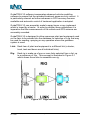
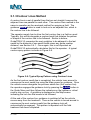
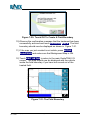
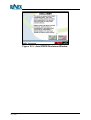
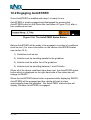
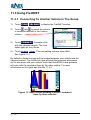
Figure 5-5: Parallel guidance
GuideTRAX V3.2 (HR) User Manual
P/n 1-1259
Page 62
Rev A