1
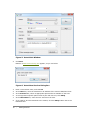
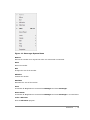
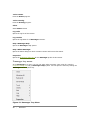
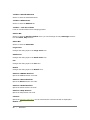
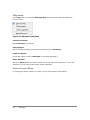
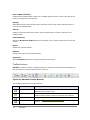
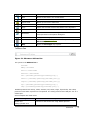
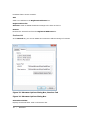
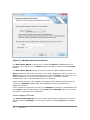
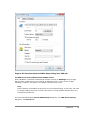
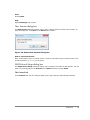
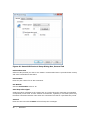
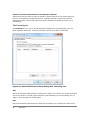
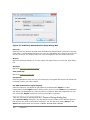
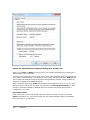
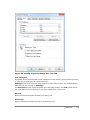
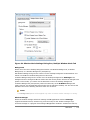
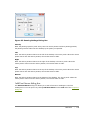
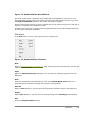
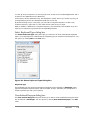
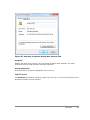
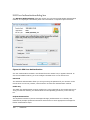
Figure 71: Monitor Settings Dialog Box
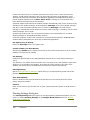
Monitor to be used
Select an appropriate monitor to display X application windows. The list shows all available
monitors including Auto detect and Virtual Screen.
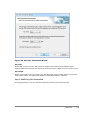
When you select a monitor, Xmanager uses only the monitor to open and display X application
windows. Virtual Screen is a virtual rectangular area which includes all monitors.
When you select Auto detect from the list, Xmanager uses Virtual Screen for multiple window
mode and the primary monitor for single window mode.
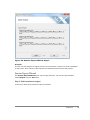
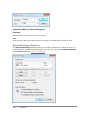
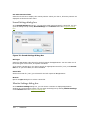
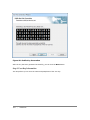
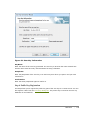
Show the Monitor Selector at startup
Select this check box to open a Monitor Selector dialog box when Xmanager starts.
Reference
|
135