1
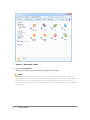
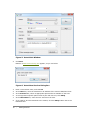
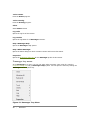
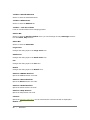
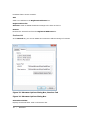
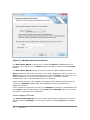
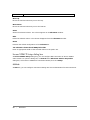
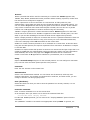
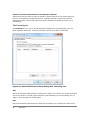
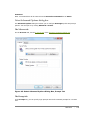
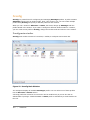
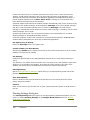
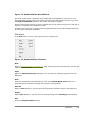
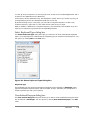
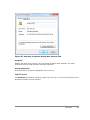
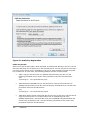
Figure 5: Xstart Main Window
2.
Click New.
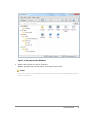
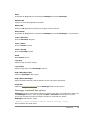
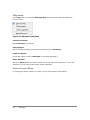
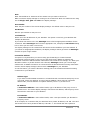
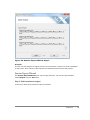
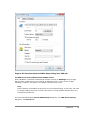
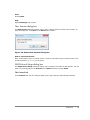
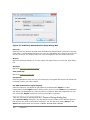
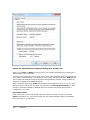
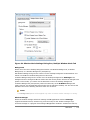
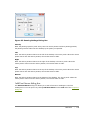
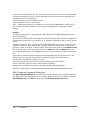
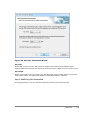
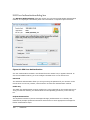
RESULT: A New Session dialog box appears, as you see below.
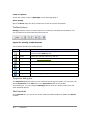
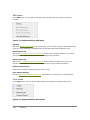
Figure 6: Xstart New Session Dialog Box
3.
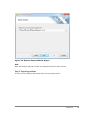
Enter a new session name, and click OK.
4.
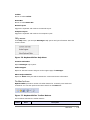
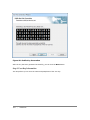
In the Host box, enter the hostname or IP address of the remote UNIX/Linux host.
5.
In the Protocol box, select an appropriate protocol that is available on the host.
6.
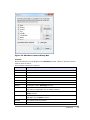
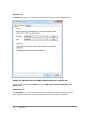
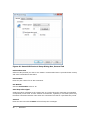
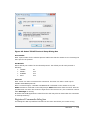
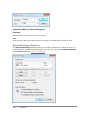
To set up protocol-specific options such as port and time-out, click Setup.
7.
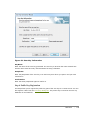
In the Username box, enter the user account on the host.
8.
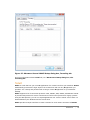
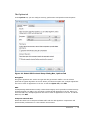
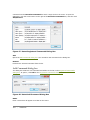
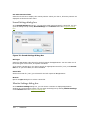
If you want to save the Password to the session, click the Setup button next to the
Password field.
12
|
Getting Started