1
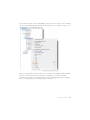
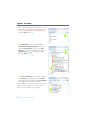
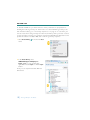
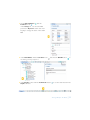
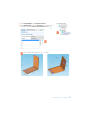
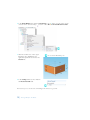
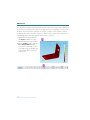
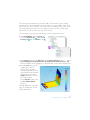
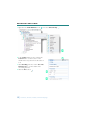
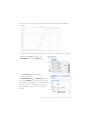
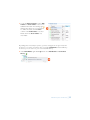
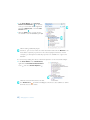
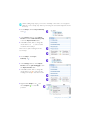
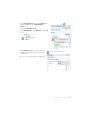
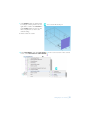
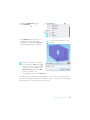
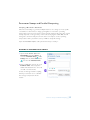
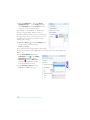
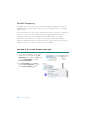
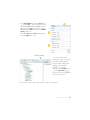
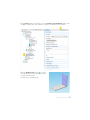
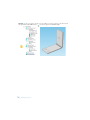
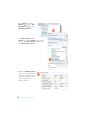
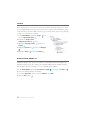
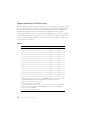
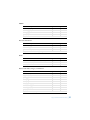
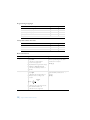
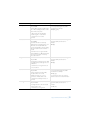
2 In the Material Browser, expand the Built-In tree.
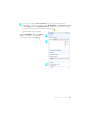
Right-click Air and select Add Material to
Model .
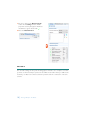
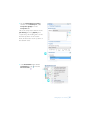
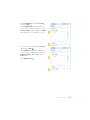
3 Close the Material Browser.
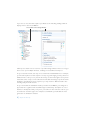
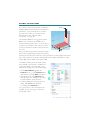
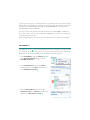
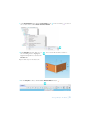
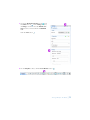
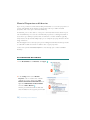
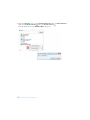
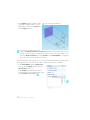
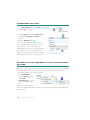
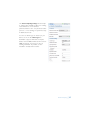
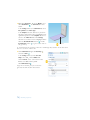
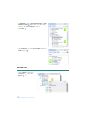
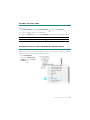
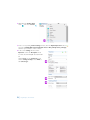
4 In the Model Builder, under Materials, click the Air
node.
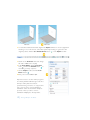
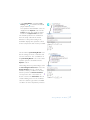
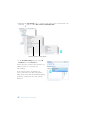
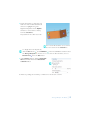
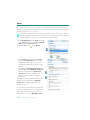
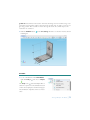
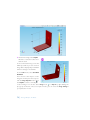
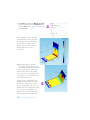
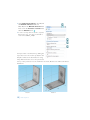
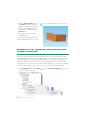
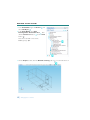
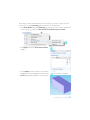
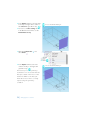
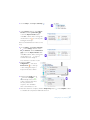
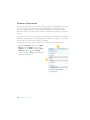
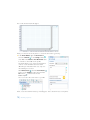
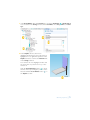
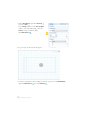
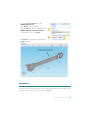
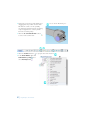
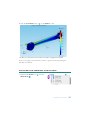
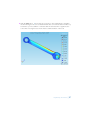
5 In the Graphics window, click the air box to
highlight it and right-click to add it to the
selection list.
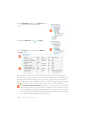
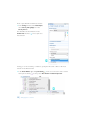
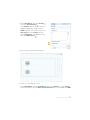
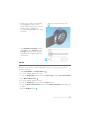
Cross-check: Domain 1.
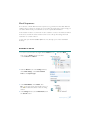
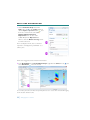
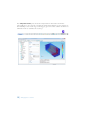
Now you can add the physics of fluid flow.
Adding Physics to a Model
| 47