1
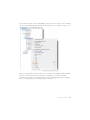
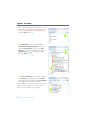
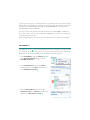
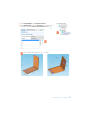
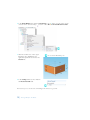
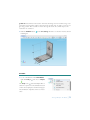
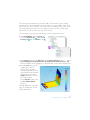
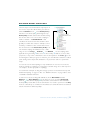
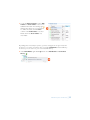
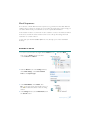
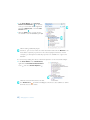
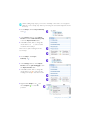
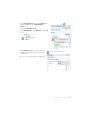
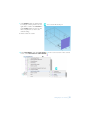
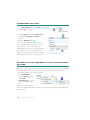
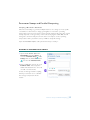
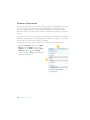
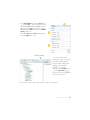
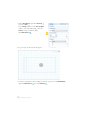
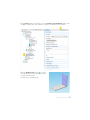
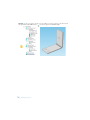
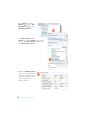
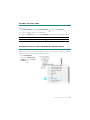
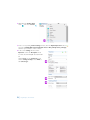
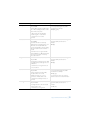
2 Right-click the Joule Heating node . In the second section of the context menu—the
boundary
section—select Heat Transfer in Solids>Heat Flux.
Boundary Section
Domain Section
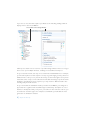
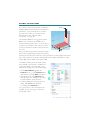
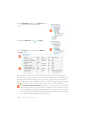
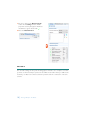
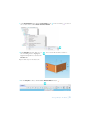
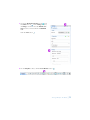
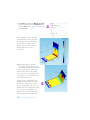
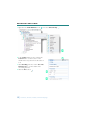
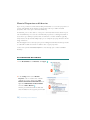
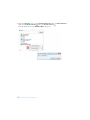
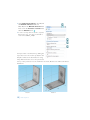
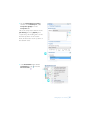
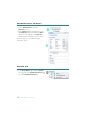
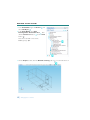
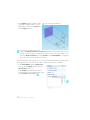
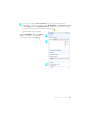
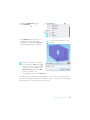
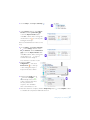
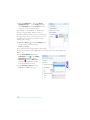
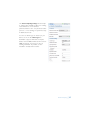
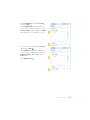
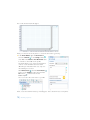
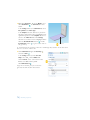
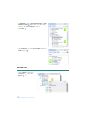
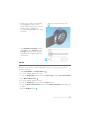
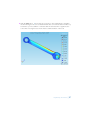
3 In the Heat Flux Settings window, select All
boundaries from the Selection list.
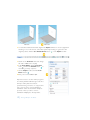
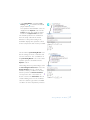
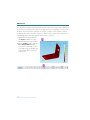
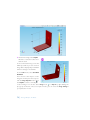
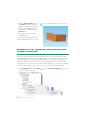
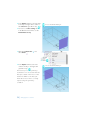
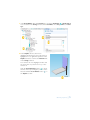
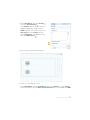
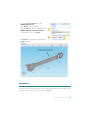
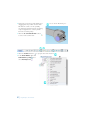
Assume that the circular bolt boundaries are
neither heated nor cooled by the
surroundings.
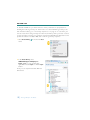
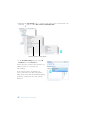
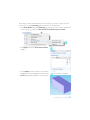
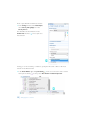
In the next step these boundaries are
removed from the heat flux selection list,
which leaves them with the default insulating
boundary condition for the Heat Transfer
interfaces.
18 | Thorough Example: The Busbar