1
130
Reference Guide
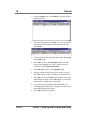
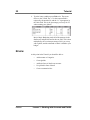
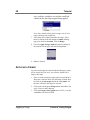
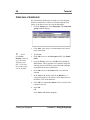
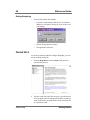
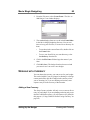
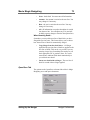
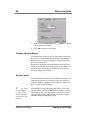
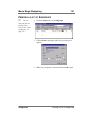
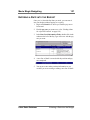
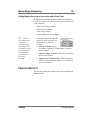
1. From the File menu, choose New. The Select a MM Budget Form window appears.
2. Select the appropriate form, either from the Forms directory, or from the location where you store your budget
forms, if it is different. Click OK. The new budget opens.
3. Setup any new globals, units, fringes, subgroups, or
currencies that you are going to need. These will probably be minimal.
4. Enter your lines of detail, applying appropriate fringes
and subgroups as you go. Use globals in appropriate
places.
CONTRACTUAL CHARGES
Contractual charges are generally applied as a percentage of
the entire direct cost of the project. There are certain exceptions. Since sometimes a contract will require you to exclude
something, such as post-production or script costs, contractuals are usually added or at least finalized after you have
entered the rest of the information on your budget.
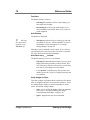
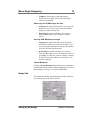
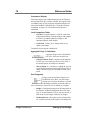
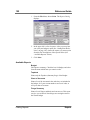
Adding a Contractual
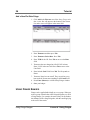
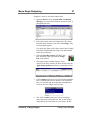
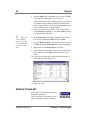
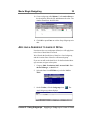
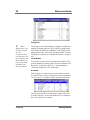
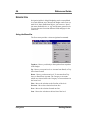
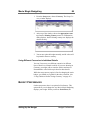
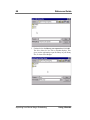
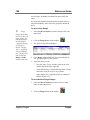
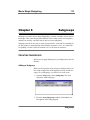
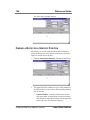
You can add a contractual to your budget topsheet.
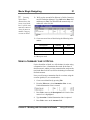
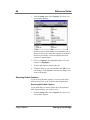
1. On the Topsheet level, select the line you want your Contractual to appear before.
Contractual Charges
Putting it All Together