1
152
Reference Guide
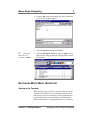
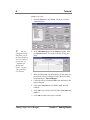
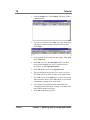
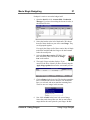
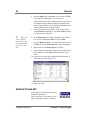
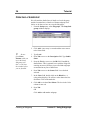
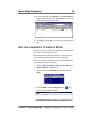
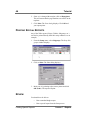
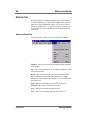
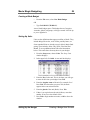
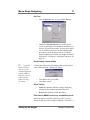
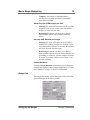
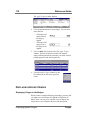
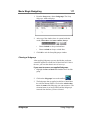
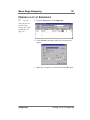
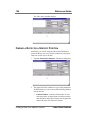
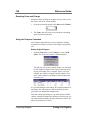
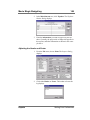
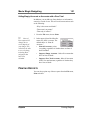
1. From the File Menu, choose Print. The Reports Dialog
displays.
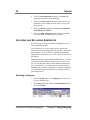
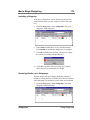
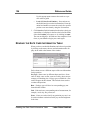
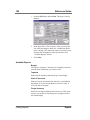
2. In the upper left is a list of reports. After you set up how
you want your budget to print (See “Setting Print Preferences” on page 145), choose the reports you want to print
from this list. Descriptions of the reports follow (See
“Available Reports” below).
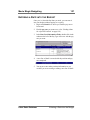
3. Click Print.
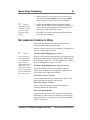
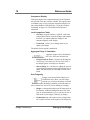
Available Reports
Budget
Full report or summary. Check the box for Budget, and select
from the menu which form you want it to take.
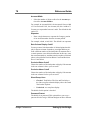
Topsheet
Prints only the Topsheet (Summary Page) of the Budget.
Chart of Accounts
Prints a list of the Accounts in the order they are included in
the budget. So if your account numbers are out of order, so
will your chart of accounts.
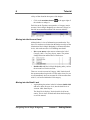
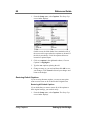
Fringe Summary
Prints a list of fringes and their total current cost. This report
can give you an idea of what fringes are costing the most in
the current budget.
Printing Reports
Reports