1
TRAIN TRACK User Manual
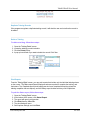
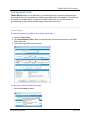
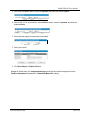
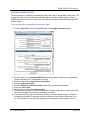
Backups can be created by Including TRAIN TRACK® in your normal network backup proceedure. If
you are using the standalone edition (all of your data and the user interface contained in one file),
you may create a backup copy by simply copying the database file and pasting it into a separate
folder. If you are using the client/server edition, you may create or schedule backups using the SQL
Management Studio.
BE SURE TO TEST YOUR BACKUP TO MAKE SURE YOU HAVE A WORKING COPY WITH
ALL DATA INCLUDED.
www.LibertyLabs.com
9 / 164