1
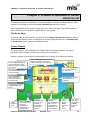
Chapter 4: Creating My Library
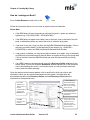
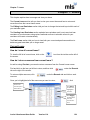
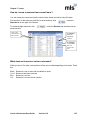
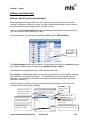
How do I export a floor plan image?
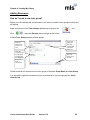
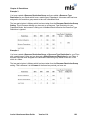
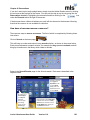
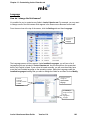
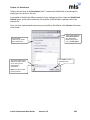
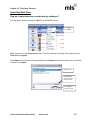
If you accidentally delete a floor plan image which you‟ve designed, you can export the image
from the floor plan record.
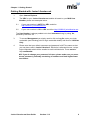
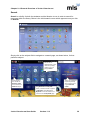
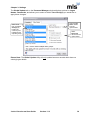
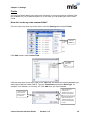
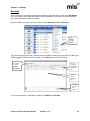
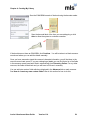
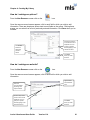
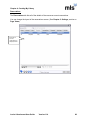
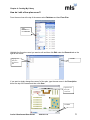
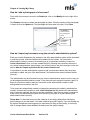
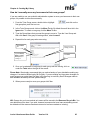
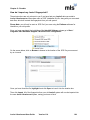
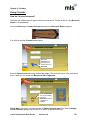
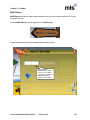
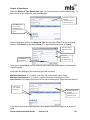
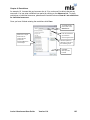
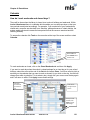
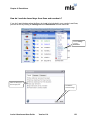
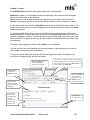
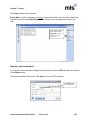
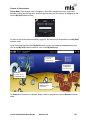
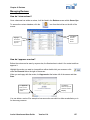
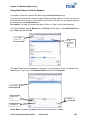
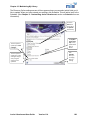
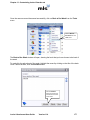
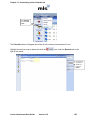
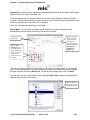
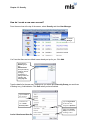
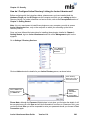
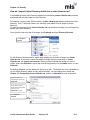
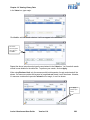
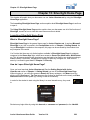
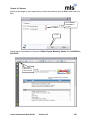
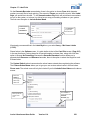
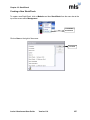
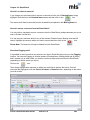
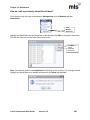
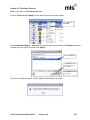
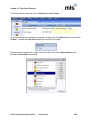
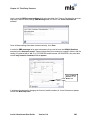
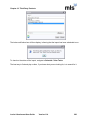
From the menu bar at the top of the screen select Database and then Floor Plan.
Select
Database and
then Floor Plan
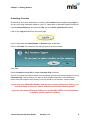
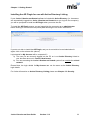
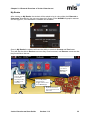
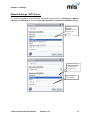
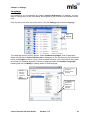
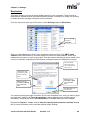
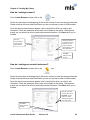
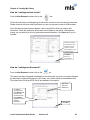
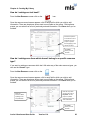
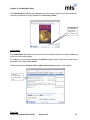
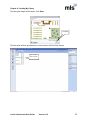
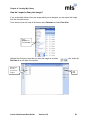
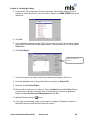
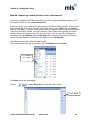
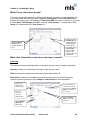
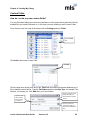
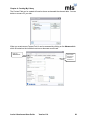
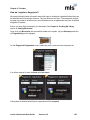
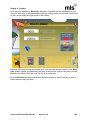
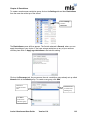
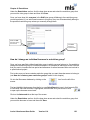
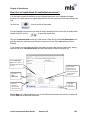
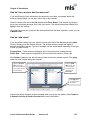
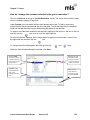
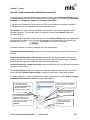
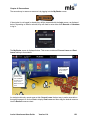
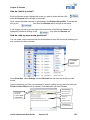
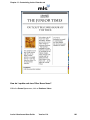
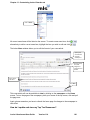
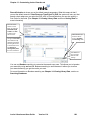
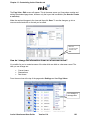
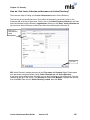
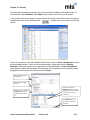
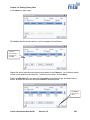
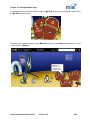
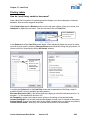
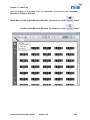
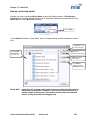
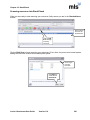
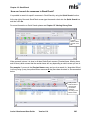
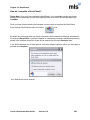
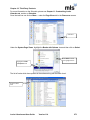
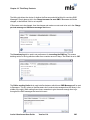
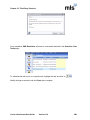
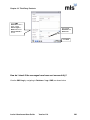
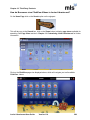
Highlight the floor plan record that you want the image for and then
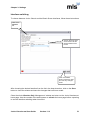
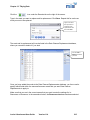
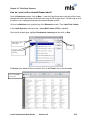
Records tab on the right of the screen.
Highlight the
floor plan
you’d like the
image for
Junior Librarian.net User Guide
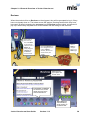
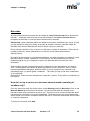
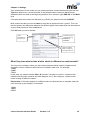
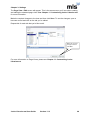
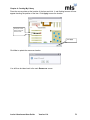
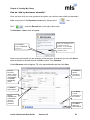
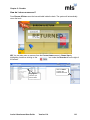
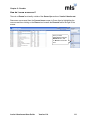
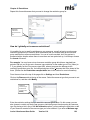
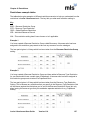
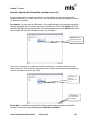
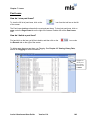
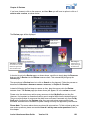
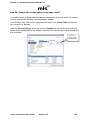
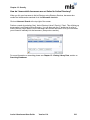
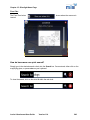
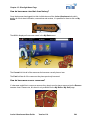
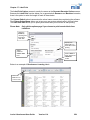
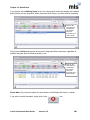
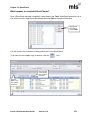
click under the
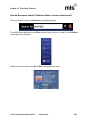
Click
Edit
Version 11.4
80