1
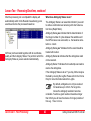
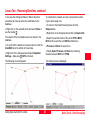
Lesson Two - Uploading a Format Template File to the Sensor
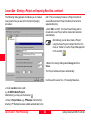
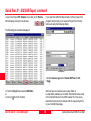
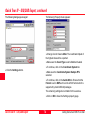
On the PC:
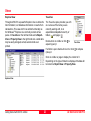
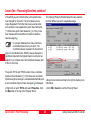
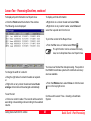
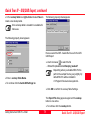
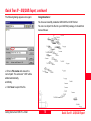
On the Sensor:
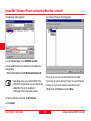
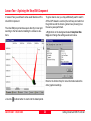
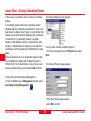
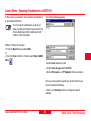
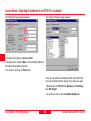
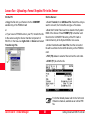
ØCopy the file onto your Sensor into the CONVERT
subdirectory of the PCMCIA card
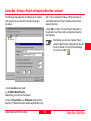
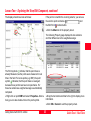
ØSelect Transfer, then GSI/ User File. Select the Job you
want to convert, the Format file and give a File name.
or
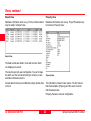
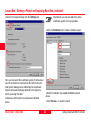
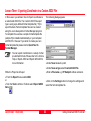
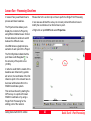
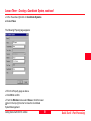
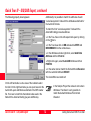
ØNote that Format Files need to be stored in the System
RAM of the Sensor. Press FORMT (F3) to transfer such
files from the \CONVERT directory of the PC Card or
internal memory to the System RAM or vice versa.
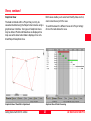
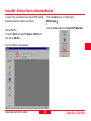
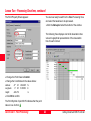
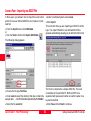
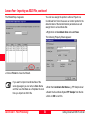
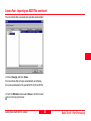
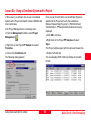
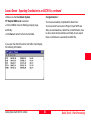
ØIf you have no PCMCIA slot on your PC, transfer the file
to the sensor using the Sensor transfer component of
SKI-Pro. In the tree-view right-click on Sensor and select
Transfer Any File.
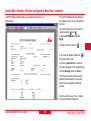
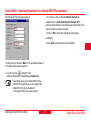
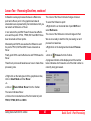
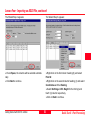
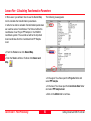
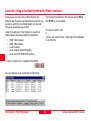
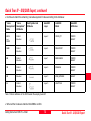
ØUnder Destinatn select User File, then the converted
file will be written into the DATA directory on the PCMCIA
card.
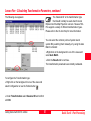
ØFILT (F6) allows to select a filter and set the sort order.
ØCONT (F1) to write the file.
For further details please refer to the Technical
Reference manual, available as an online PDFfile.
Quick Tour III - Format Manager
68
Getting Started with SKI-Pro -2.0.0en