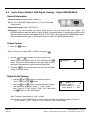
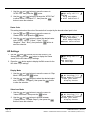
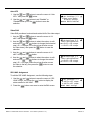
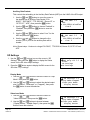
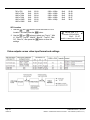
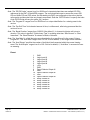
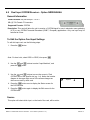
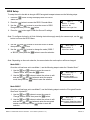
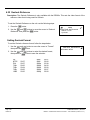
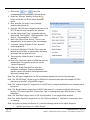
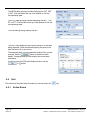
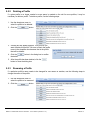
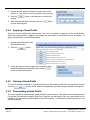
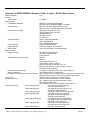
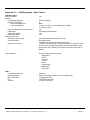
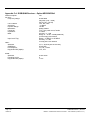
1
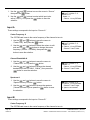
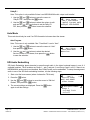
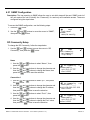
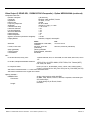
Connection 2
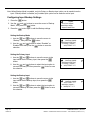
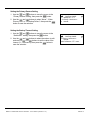
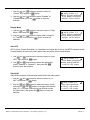
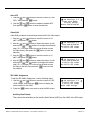
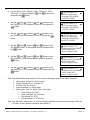
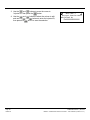
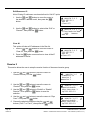
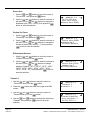
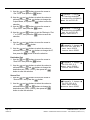
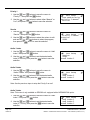
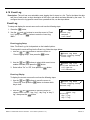
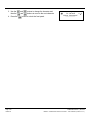
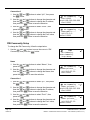
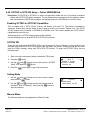
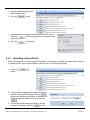
1. Use the
and
the
button.
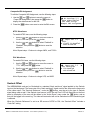
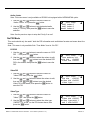
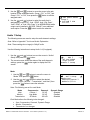
buttons to select “Ip2:”, then press
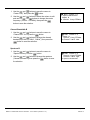
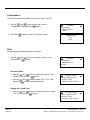
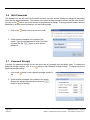
2. Use the
and
then the
and
then press the
buttons to change the character and
buttons to change the IP address,
button to save the selection.
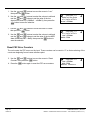
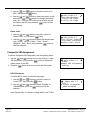
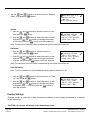
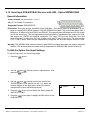
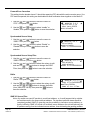
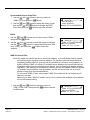
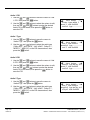
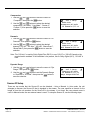
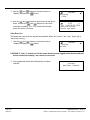
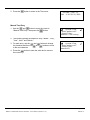
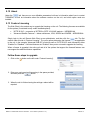
3. Use the
press the
and
buttons to select “Port2:”, then
button.
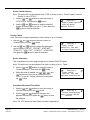
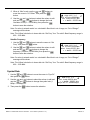
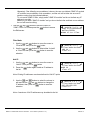
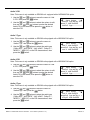
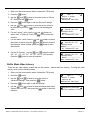
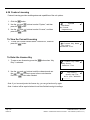
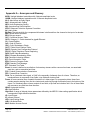
4. Use the
and
then the
and
then press the
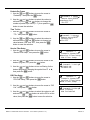
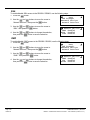
RW Community ←→↵
Port1:0162
►Ip2:000.000.000.000
Port2:0162
↓↑
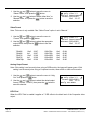
buttons to change the character and
buttons to change the Port2 value,
button to save the selection.
↓↑
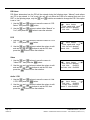
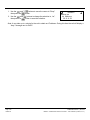
RW Community
Name:public---Ip2:0.0.0.0
►Port2:0162
←→↵
THOMSON RD5000 / RD5002
Page 127
MPEG-4 Multiformat Receiver Decoder - User Manual (release 7.7.1)
Edition A