1
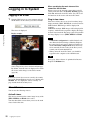
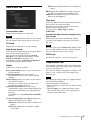
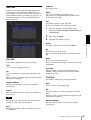
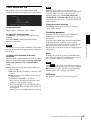
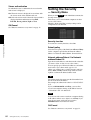
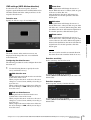
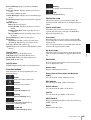
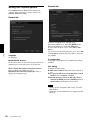
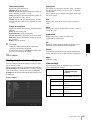
Clear all
Click to delete all privacy masks simultaneously.
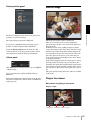
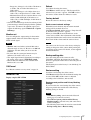
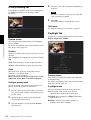
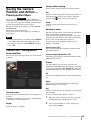
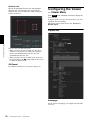
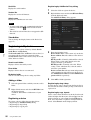
Setting a privacy mask
To set a privacy mask in a desired position, do the
following:
1
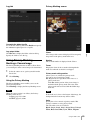
Specify the privacy mask area by dragging the
mouse on the viewer.
2
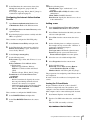
Select the color or mosaic of the mask from the
Color drop-down list.
Note
The color is common to every privacy mask. The
color last selected is applied.
3
Select the desired privacy mask number in the
privacy mask setting section, and then click Set of
the corresponding number.
The mask is displayed on the viewer.
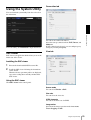
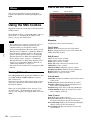
Using the Custom Homepage —
Setting the customized homepage
Others
The Custom Homepage function of the SNC toolox
allows you to store the homepage that you have created
in the camera and watch it.
Notes on creating the homepage
When you are creating the homepage, note the following
points.
• The file name should be typed using up to 24
characters including the extension.
• The file size of the homepage should be 2.0 MB or
less.
• To see the created homepage, set the Homepage in the
Layout tab from viewer menu.
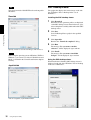
Uploading the homepage to the camera
using the Custom Homepage
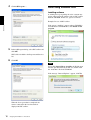
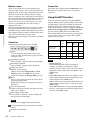
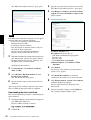
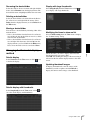
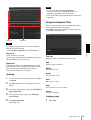
1
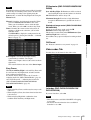
Select the device to upload from the Device list.
You can select multiple devices at the same time.
2
Click the Custom Homepage.
The “Custom Homepage” dialog opens.
Read the notes carefully.
Note
If you cannot establish communications with the
camera using the proxy server being used, connect
the camera to the local network and run the Custom
Homepage without using the proxy server.
90
Using the SNC toolbox
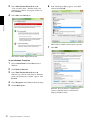
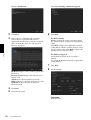
3
Type the path in which your homepage is stored.
4
Click Start uploading.
Uploading of the homepage file to the camera
starts.
5
Click Cancel to exit the program.
Using the Firmware Upgrade
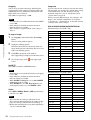
Using the Firmware Upgrade function of the SNC
toolbox allows you to upgrade the firmware of the
device.
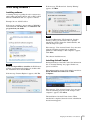
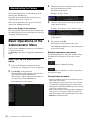
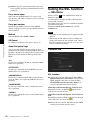
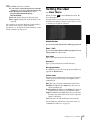
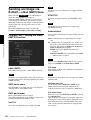
Starting the Firmware Upgrade
1
Select the device to upgrade its firmware from the
Device list.
You can select multiple devices at the same time.
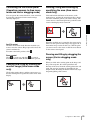
2
Right click the mouse. Click Firmware Upgrade
from the displayed menu.
The Firmware Upgrade screen is displayed.