1
Table of Contents
Chapter 1: Welcome to Perfect Portrait
Chapter 2: Introduction
Using the Help System
Contacting onOne Software
Additional Help
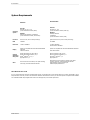
System Requirements
Installation
Licensing and Registration
Opening and Saving Files
Using Modules
Using as Standalone
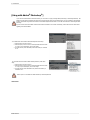
Using with Adobe Photoshop
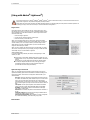
Using with Adobe Lightroom
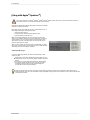
Using with Apple Aperture
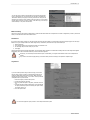
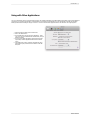
Using with Other Applications
Chapter 3: Perfect Layers (Home)
Getting Started
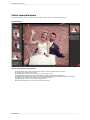
Perfect Layers Workspace
Perfect Layers Tool Well
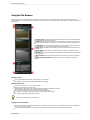
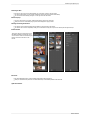
Using the File Browser
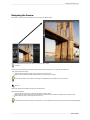
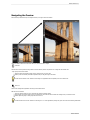
Navigating the Preview
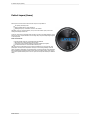
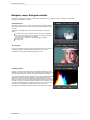
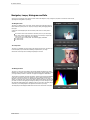
Navigator, Loupe, Histogram and Info
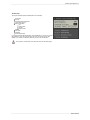
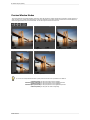
Preview Window Modes
Using Perfect Layers
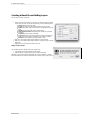
Creating a New File and Adding Layers
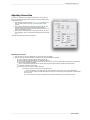
Adjusting Canvas Size
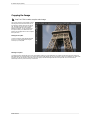
Cropping the Image
Working with Layers
The Layers Pane
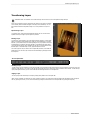
Transforming Layers
Trimming Layers
Using Color Fill Layers
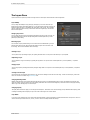
Retouching Layers
Red Eye Tool
Masking Layers
Mask Modes
Using the Masking Brush
Using the Masking Bug
Preferences
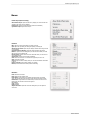
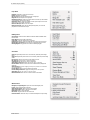
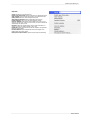
Menus
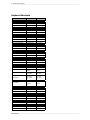
Keyboard Shortcuts
1
2
3
4
5
6
7
8
9
10
11
12
14
16
17
18
19
20
21
22
25
26
28
29
30
31
32
33
34
35
36
37
38
39
40
41
42
45
48
49
52