1
Chapter 4: Perfect Portrait
Getting Started
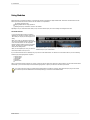
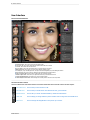
User Interface
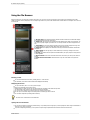
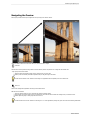
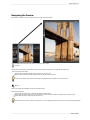
Navigating the Preview
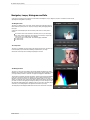
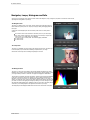
Navigator, Loupe, Histogram and Info
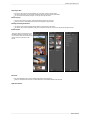
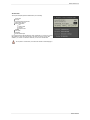
Browsing Presets
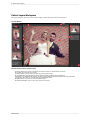
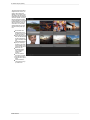
Preview Window Modes
Using Perfect Portrait
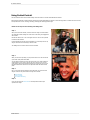
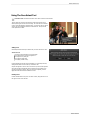
Using The Face Select Tool
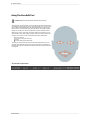
Using The Face Edit Tool
Using The Retouch Brush
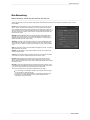
Skin Retouching
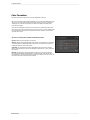
Color Correction
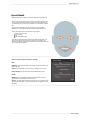
Eyes & Mouth
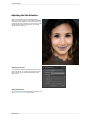
Adjusting the Skin Selection
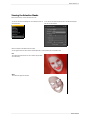
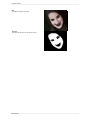
Viewing the Selection Masks
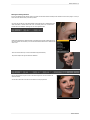
Refining the Masking Selections
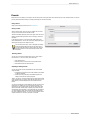
Presets
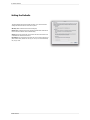
Setting the Defaults
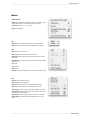
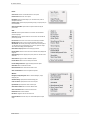
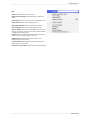
Menus
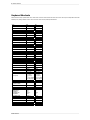
Keyboard Shortcuts
54
55
56
57
58
60
63
64
65
66
68
69
70
71
72
73
75
77
78
79
82
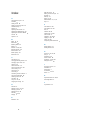
Chapter 5: Index
83