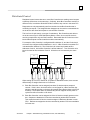
1
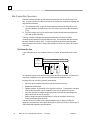
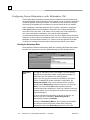
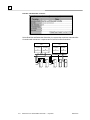
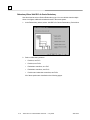
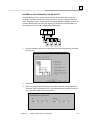
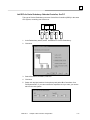
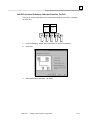
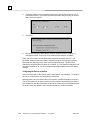
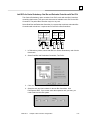
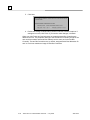
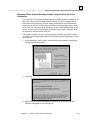
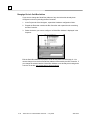
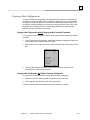
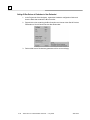
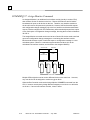
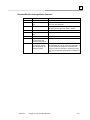
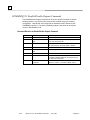
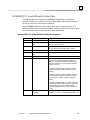
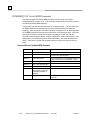
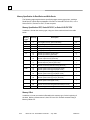
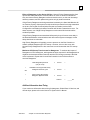
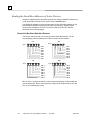
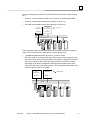
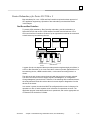
3 Setting All Bus Devices to Redundant or Non-Redundant 1. In the Project tab of the Navigator, expand the Hardware configuration folder and then the Rack that contains the Bus Controller. 2. Right-click the slot containing the Bus Controller and choose either Set All Devices Redundant or Set All Genius Devices Non-Redundant: 3. Devices that have a Redundancy parameter will be set accordingly. 3-40 Series 90-70 Genius® Bus Controller – July 2003 GFK-2017