1
Opticon ESL
DEMO KIT
User Manual
3.5. Installing the bar code terminal
The quickest method to link a large amount of ESLs to products in your database is by
using a bar code terminal. This is done by scanning the MAC address bar code on the ESL
label followed by scanning (or entering) the unique ID of the product. The unique ID can be
anything: an EAN code, article number, location, room number, etc. As long as it’s a unique
identifier it can be linked to an ESL.
Opticon provide software for a wide variety of barcode terminals to perform this task. The
following Opticon bar code terminals are currently supported:
•
OPN2002 (bar codes only; uses a mini USB cable)
•
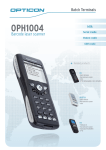
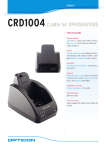
OPH1004 (bar codes & keypad; requires a CRD1001 cradle)
•
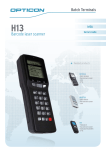
H13 (bar codes & keypad; requires a CRD13 cradle)
•
OPL9728 (bar codes & keypad; requires a CRD9723RU cradle)
•
H21 (bar codes & keypad; requires Wifi and a web server)
•
H22 (bar codes & keypad; using Wifi and a web server)
More information on how to set-up the barcode terminal can be found in chapter 6.
22