1
6 Configuring the «Queue length detector» and «People counter
detector» modules
6.1 Configuring the «Queue length detector» module
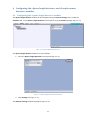
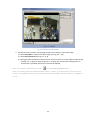
The Queue length detector module can be configured using the System settings menu, under the
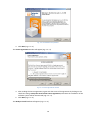
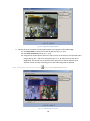
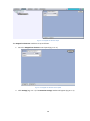
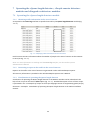
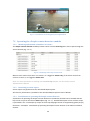
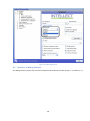
Hardware tab, on the Queue Length Detection control panel, using the Camera settings (Fig. 6.1—1).
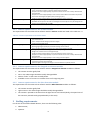
Fig. 6.1—1 Queue Length Detection menu
The Queue length detector module is set up as follows:
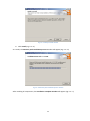
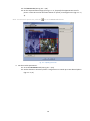
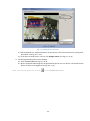
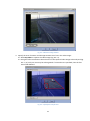
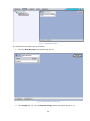
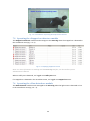
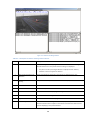
1. Go to the Queue Length Detection control panel (Fig. 6.1—2).
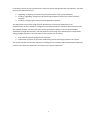
Fig. 6.1—2 Queue Length Detection control panel
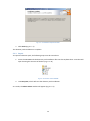
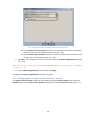
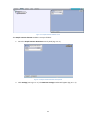
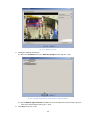
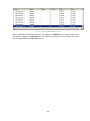
2. Click Settings (see Fig. 6.1—2).
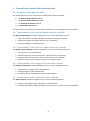
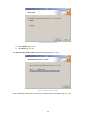
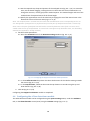
The Detector settings window will appear (Fig. 6.1—3).
17