1
7 Operating the «Queue length detector», «People counter detector»
modules and «Stopped car detector» modules
7.1 Operating the «Queue length detector» module
7.1.1 Obtaining traffic information in the area of interest
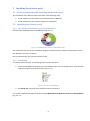
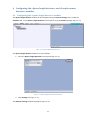
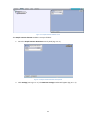
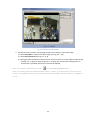
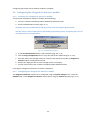
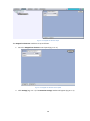
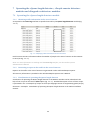
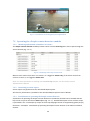
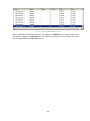
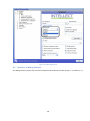
As reported in the Event log interface at specified intervals by the Queue length detector module (Fig.
7.1—1).
Fig. 7.1—1 Displaying traffic information in the area of interest
Each line item contains information about the number of people in the area of interest at that moment
in time (see Fig. 7.1—1).
Note. For more information on working with the Event log interface, see the Intellect system
Administrator’s Manual.
7.1.2 Generating a report on the traffic in the area of interest
Reports on the traffic in the area of interest are generated via the web-based Report System.
All necessary information is provided in the web-based Report System User’s Manual.
7.1.3 Visualization of operating the Queue length detector
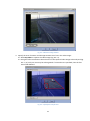
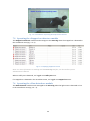
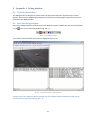
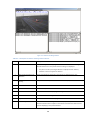
Visualization of operating the Queue length detector in the Monitor window can be realized with the
help of user scripts on the base of Titles object (Fig. 7.1—1). Detailed description of one of these scripts
is presented in the 1.7 Examples of scripts on the Jscript language section of Programming guide (Jscript)
document – Example 1. Visualization of operating the Queue length detector in the Video surveillance
monitor.
33