1
Enabling Document Level Security
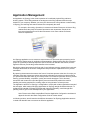
Document level security enables a System Administrator to grant access to an iSynergy
Application while limiting the access rights to particular Documents contained within that
Application.
For example, you want to give a manager the ability to securely view any document in the
HR application, but you want the payroll department to only have access to the
-8, >6 .7=<@2=1 * EPending New HiresF application status value and will not be able to
access documents with other application status values in the Accounting Application
under iSynergy.
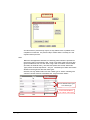
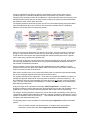
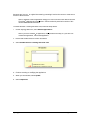
When you are adding indexes to applications with document level security, the security setting for
the new indexes for each User and Group must be selected.
th
Note: The Application does not need to be De
De-implemented to enable Document level
security.
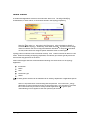
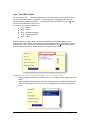
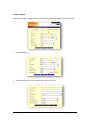
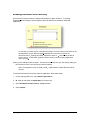
To activate Document level security within an Application, follow these steps:
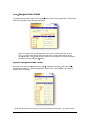
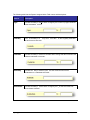
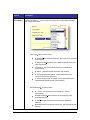
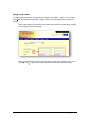
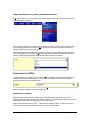
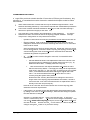
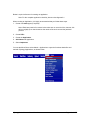
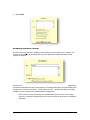
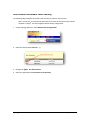
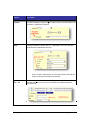
1. On the iSynergy Menu bar, select Admin>Applications.
2. Na
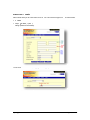
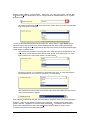
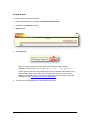
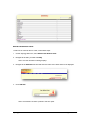
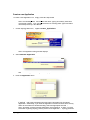
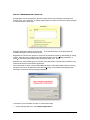
Navigate to and select the Application you want to edit.
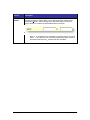
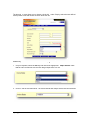
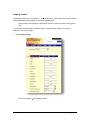
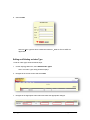
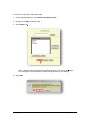
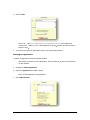
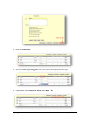
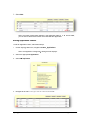
3. Select Enabled Document Level Security checkbox.
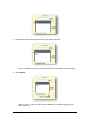
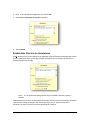
4. Select Update.
iSynergy 3.11 Advanced User Manual
Page 120 of 257