1
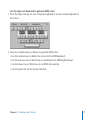
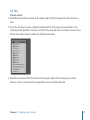
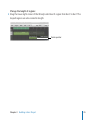
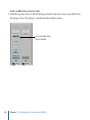
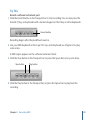
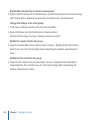
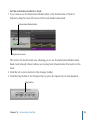
Choose a take region for playback:
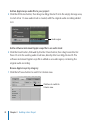
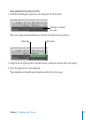
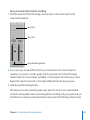
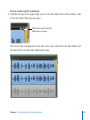
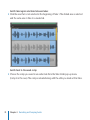
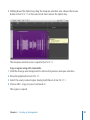
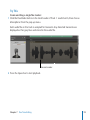
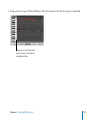
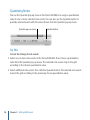
mm Click the triangle in the upper-right corner of the take folder, then choose Take 2: Take
2 from the Take Folder pop-up menu.
Click here to open the Take
Folder pop-up menu.
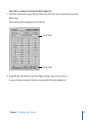
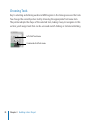
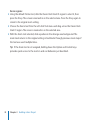
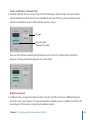
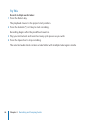
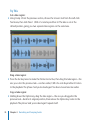
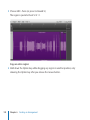
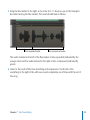
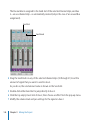
The chosen take is displayed in color (the color is also reflected in the take folder) and
the take that is not selected is displayed in gray.
Chapter 4    Recording and Comping Audio
69