1
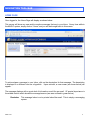
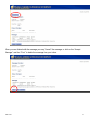
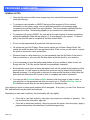
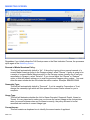
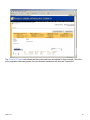
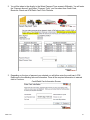
Print Rate Indication:
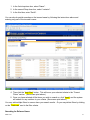
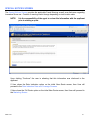
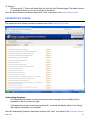
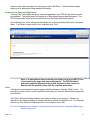
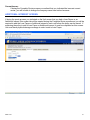
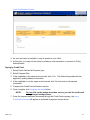
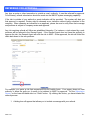
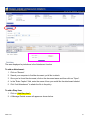
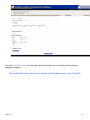
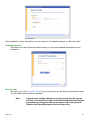
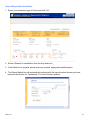
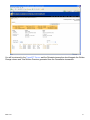
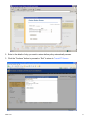
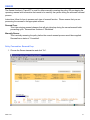
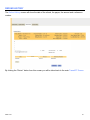
Clicking “Print” will prepare the Rate Indication as a PDF file that can be printed and emailed.
As the Rate Indication is not a final rate, this will be so indicated on the form along with
pertinent notices and disclosures. The PDF becomes part of the Rate Indication and will be
found in the Diary/Attachment section.
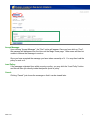
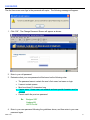
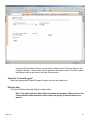
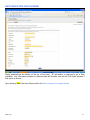
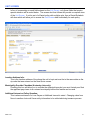
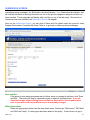
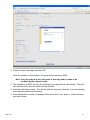
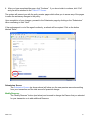
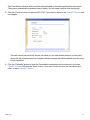
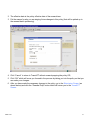
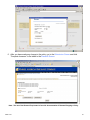
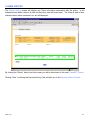
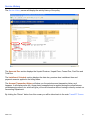
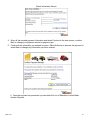
Upon clicking print, a box will appear that allows you to enter notes that will print on the form.
If you wish to enter notes, do so, and then click “Print”.
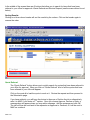
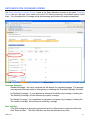
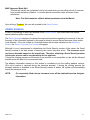
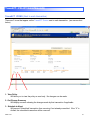
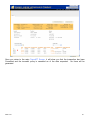
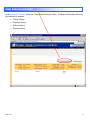
Switch to Full Quote:
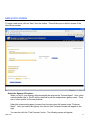
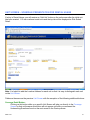
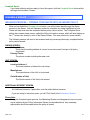
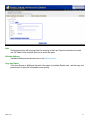
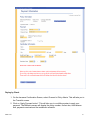
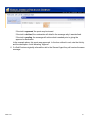
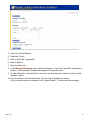
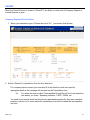
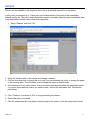
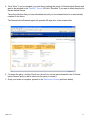
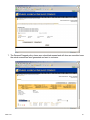
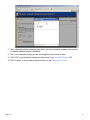
If you want to develop the Rate Indication into a Full quote containing a final rate, click “Switch
to Full Quote” and you will rejoin the Full quote process on the Marketing Screen.
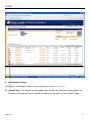
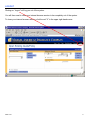
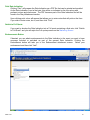
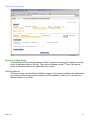
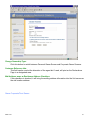
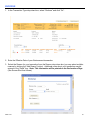
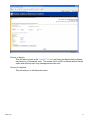
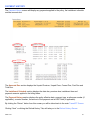
Endorsements Button:
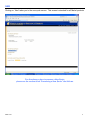
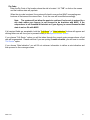
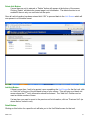
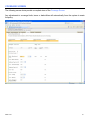
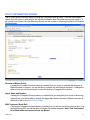
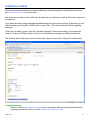
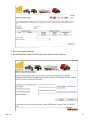
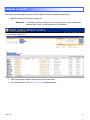
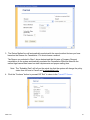
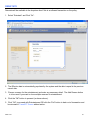
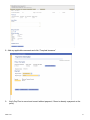
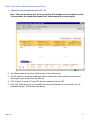
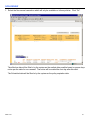
If desired, you can attach endorsements to the Rate Indication in the event you want to have
coverage included or excluded as part of the general Rate Indication. Clicking the
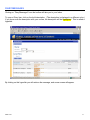
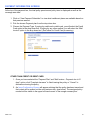
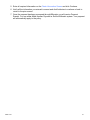
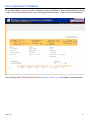
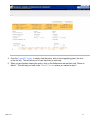
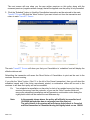
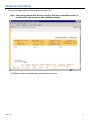
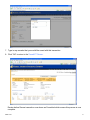
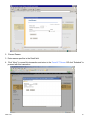
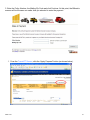
Endorsement button will take you to the Endorsement attachment screen: Select your
endorsement and then click “Add”.
MMH-12-09
25