1
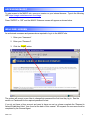
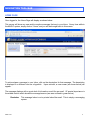
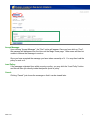
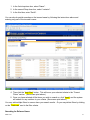
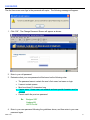
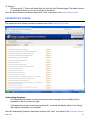
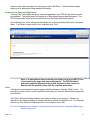
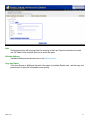
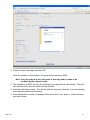
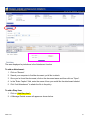
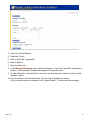
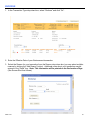
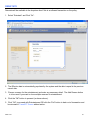
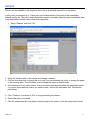
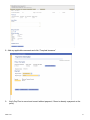
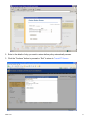
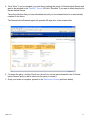
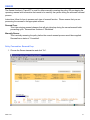
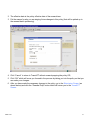
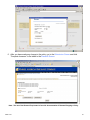
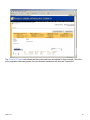
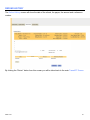
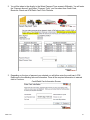
5. Click “Change Password”.
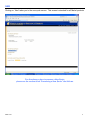
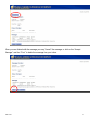
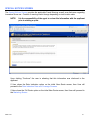
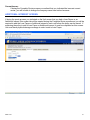
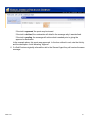
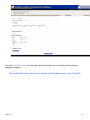
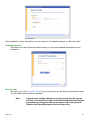
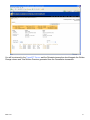
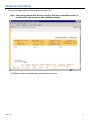
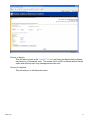
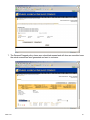
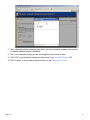
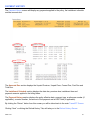
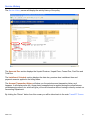
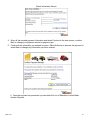
6. If the password change is complete you will receive the following message:
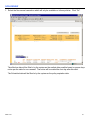
7. You may now proceed as normal.
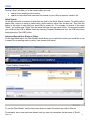
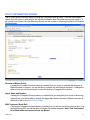
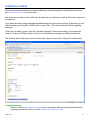
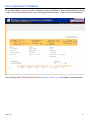
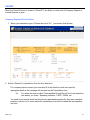
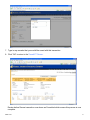
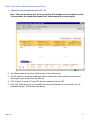
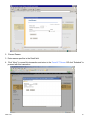
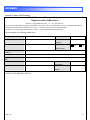
If you do not have a User account and need to have one set up, please complete the “Request to
Amend Established User” form found at the back of this manual. All requests for new users must be
completed by the General Agent.
Please email the completed form to [email protected] or Fax: 262-547-9436.
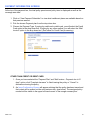
Once your user profile has been established, you will be emailed with a username and password to
give you access to your account.
MMH-12-09
16