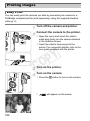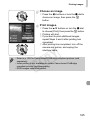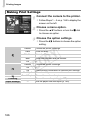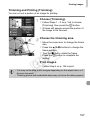
1
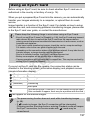
Setting the Date and Time
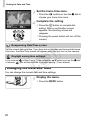
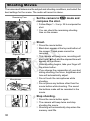
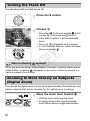
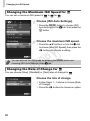
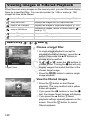
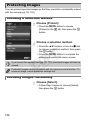
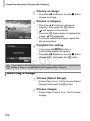
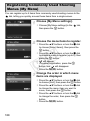
Set the home time zone.
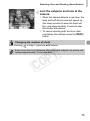
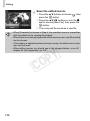
z Press the qr buttons or turn the 7 dial to
choose your home time zone.
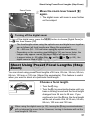
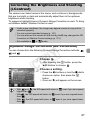
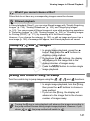
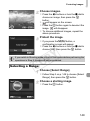
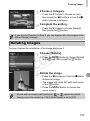
Complete the setting.
z Press the m button to complete the
setting. After a confirmation screen
appears, the shooting screen will
reappear.
z Pressing the power button will turn off the
camera.
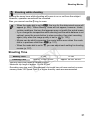
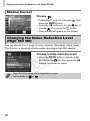
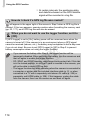
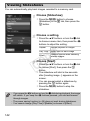
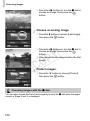
Reappearing Date/Time screen
Set the correct date and time. If you have not set the date and time and the home
time zone, the Date/Time screen will appear each time you turn on the camera.
Y
P
O
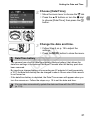
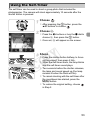
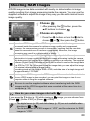
Daylight saving time settings
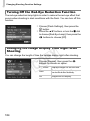
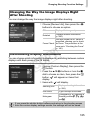
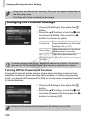
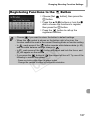
If you choose
in Step 2 on p. 19 and press the op buttons or turn the 7 dial
to choose
, you will set the time to daylight saving (1 hour ahead).
C
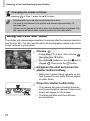
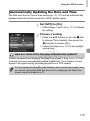
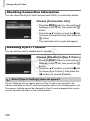
Changing the Date and Time
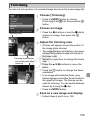
You can change the current date and time settings.
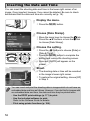
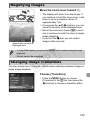
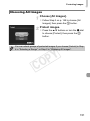
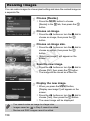
Display the menu.
z Press the n button.
20