1
Setting for Import 1
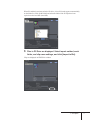
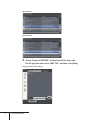
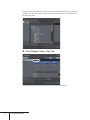
Click "Settings" on the EDIUS menu bar, and click "Plug-in
Settings".
"Plug-in settings" dialog box appears.
2
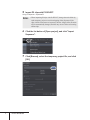
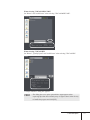
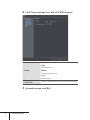
Click "Plug-in settings" tree, and click "XDCAM Importer".
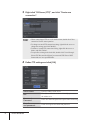
Use proxy when editing directly on disc.
Use a proxy file for normal edit when directly editing the clip on
XDCAM disc. Use a high-resolution file when printing to file or tape.
4 XDCAM Option
19