1
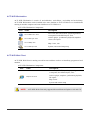
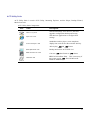
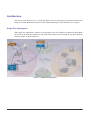
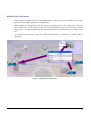
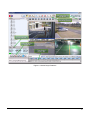
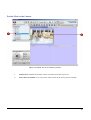
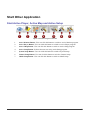
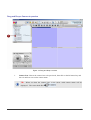
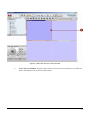
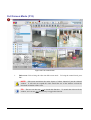
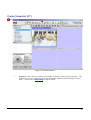
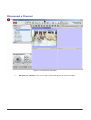
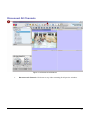
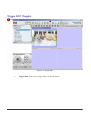
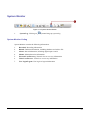
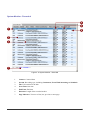
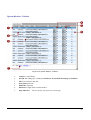
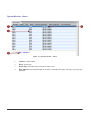
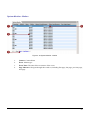
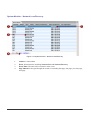
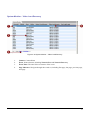
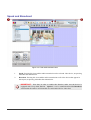
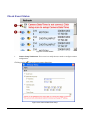
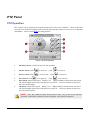
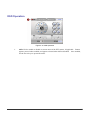
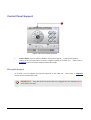
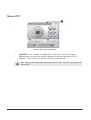
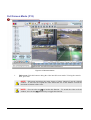
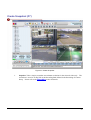
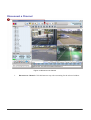
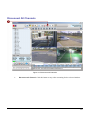
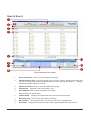
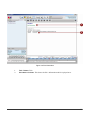
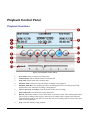
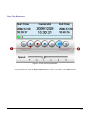
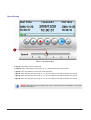
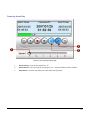
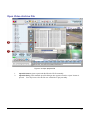
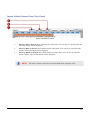
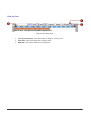
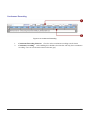
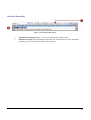
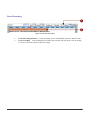
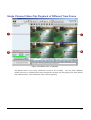
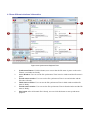
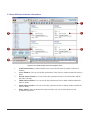
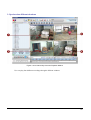
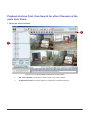
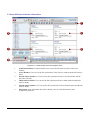
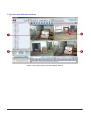
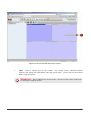
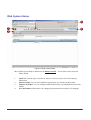
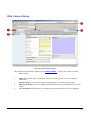
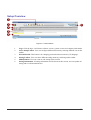
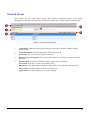
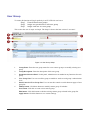
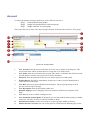
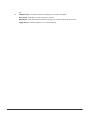
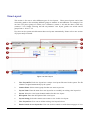
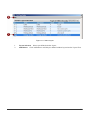
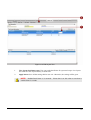
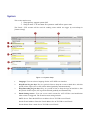
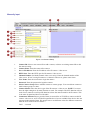
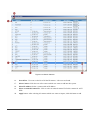
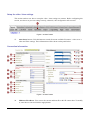
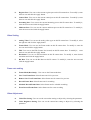
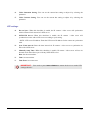
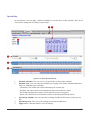
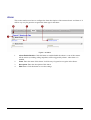
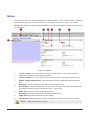
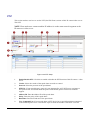
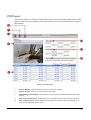
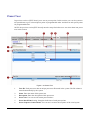
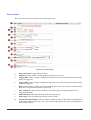
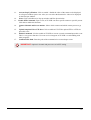
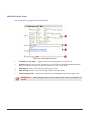
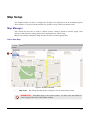
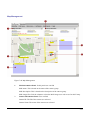
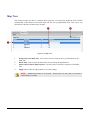
Search Criteria (Channel, Date, Time, Event)
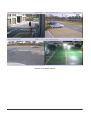
Figure 4-28 Search criteria
1.
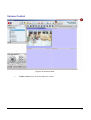
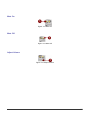
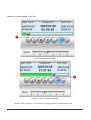
Select by date to Search: Show what date the video starts. User can key in a specific date and
the video of date will be displayed.
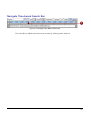
2.
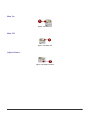
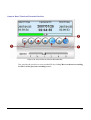
Select by Hour to Search : Show what hour the video starts. User can key in a specific hour,
and the video of that hour will be displayed.
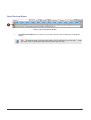
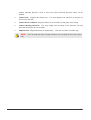
3.
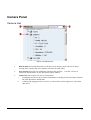
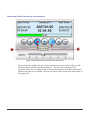
Select by Minute to Search: Show what minute the video starts. User can key in a specific
minute, and the video of that minute will be displayed.
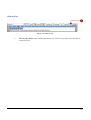
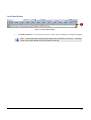
NOTE:
This time is relative to the device clock instead of the computer clock.
120