1
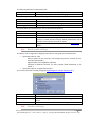
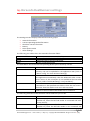
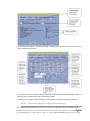
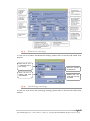
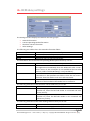
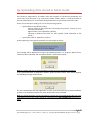
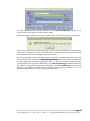
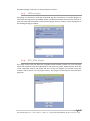
Field Functionality Battery level (OK or recharge battery). Battery The following table shows the Other Settings buttons that you can set: Button Bluetooth Functionality Access Bluetooth connection settings (see below) The table below shows the actions you can take with the buttons: Button Cancel Save Upgrade 18.1. Functionality Close window with no changes. Store and send the new parameters to the barcode reader. Upgrade the reader’s firmware. Please check Chapter 16 for details. Batch mode settings The Batch mode configuration displays three buttons and gives the choice between: Upload barcodes to a file Always upload to the same file, overwriting the previous content (“Overwrite last upload file”) Append data to last upload file (default) Generate a different file name for every upload (“Add timestamp to file name”) Upload barcodes to an application window (for more information see the paragraph “Uploading data stored in batch mode”) Button Browse OK Cancel Functionality Choose a file name and path to store the barcodes Close Batch configuration window without saving any modifications Save the modifications and close Batch configuration window BaracodaManager for PC – User Guide v4.1 – May 2013 – Copyright © 2013 INGENICO. All rights reserved 58/65