1
3.4.1. MJPEG
39B
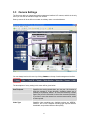
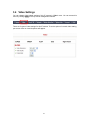
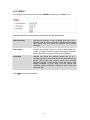
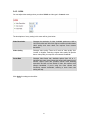
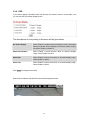
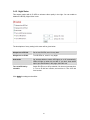
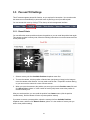
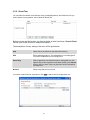
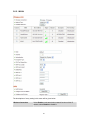
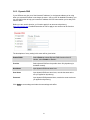
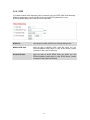
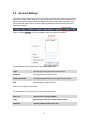
You can adjust video settings when you select ‘MJPEG’ as video type in ‘Camera’ menu.
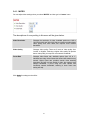
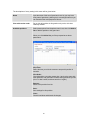
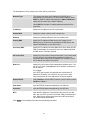
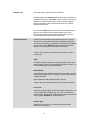
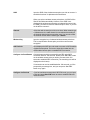
The descriptions of every setting in this menu will be given below:
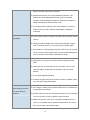
Video Resolution
Changes the resolution of video. Available options are 1280 x
1024, 640 x 480, and 320 x 240. Higher resolution provides better
video quality and more detail, but requires more network
bandwidth.
Video Quality
Changes video quality. There are 5 levels of video quality from
‘Lowest’ to ‘Highest’. Selecting a higher video quality will provide
better video quality, but requires more network bandwidth.
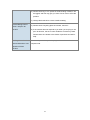
Frame Rate
Changes video frame rate. Available options from ‘30’ to ‘1’,
indicates how many video frames this camera will transmit every
second. Higher frame rate provides smooth video watching
experience and will not lose details of video, but requires more
network bandwidth. If you’re using this video camera with
insufficient network bandwidth, selecting a lower frame rate
setting will help.
Click Apply for settings to take effect.
39
![Internet Camera - [ [ [ ANSEL ] ] ]](http://vs1.manualzilla.com/store/data/005837536_1-ce302c6b28431aa03d9b92e65549b72a-150x150.png)