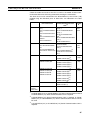
1
Section 6-3
Operation Modes and the System Menu
6-3-3
Operations with the System Menu
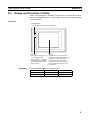
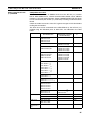
This section describes how to use the menus, including how to call the System Menu, how to call the System Installer mode, and how to select menu
items.
Calling the System Menu
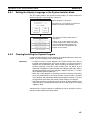
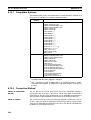
The System Menu can be displayed by either of the following two methods.
• Touching the corners of the touch panel
• Pressing a touch switch that displays the System Menu
Reference:
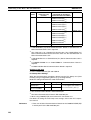
• If display of the System Menu is disabled by the setting made in the System Installer mode, the System Menu cannot be displayed (this does not
apply if an error has occurred).
• At the same as the System Menu is displayed, the operation of the NT31/
NT31C stops and the RUN LED goes OFF.
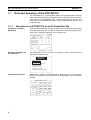
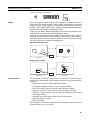
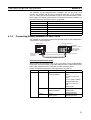
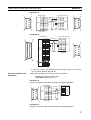
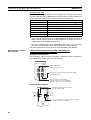
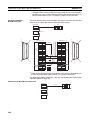
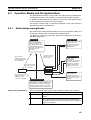
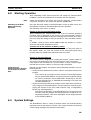
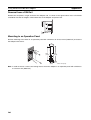
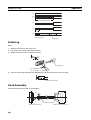
Touching The Corners of The Touch Panel
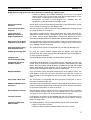
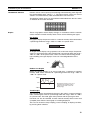
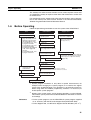
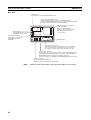
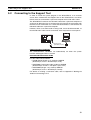
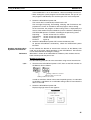
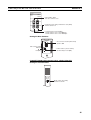
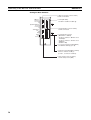
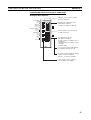
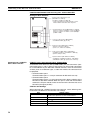
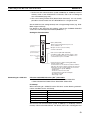
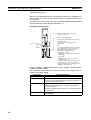
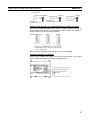
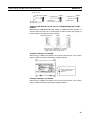
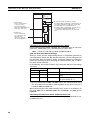
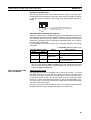
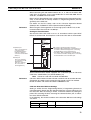
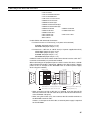
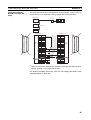
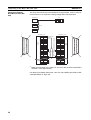
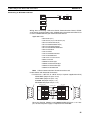
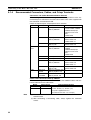
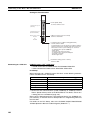
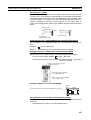
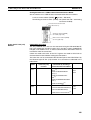
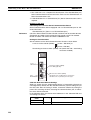
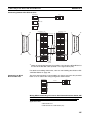
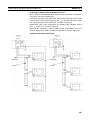
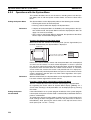
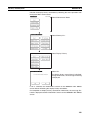
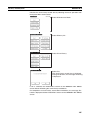
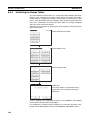
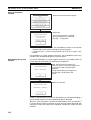
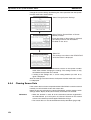
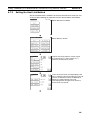
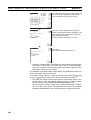
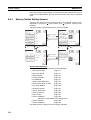
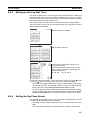
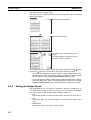
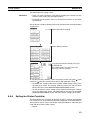
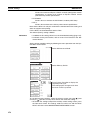
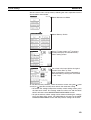
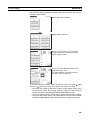
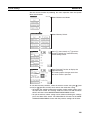
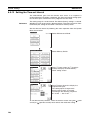
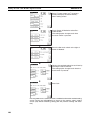
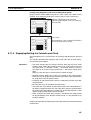
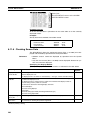
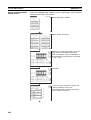
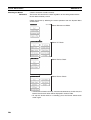
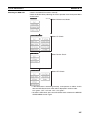
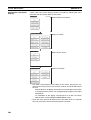
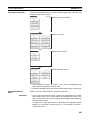
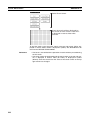
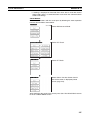
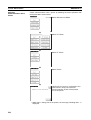
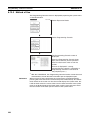
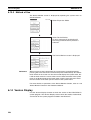
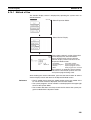
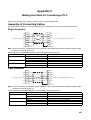
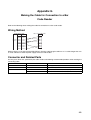
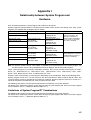
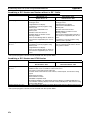
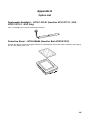
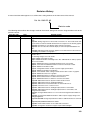
When two of the four corners of the touch panel (see the figure below) are
touched simultaneously, the System Menu is displayed.
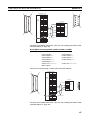
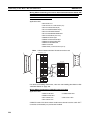
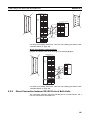
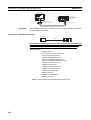
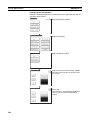
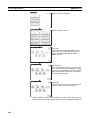
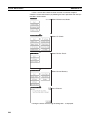
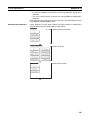
RUN mode
POWER
[SYSTEM MENU]
RUN
Quit
Press any two of the four
corners at the same time.
Transmit Mode
Maintenance Mode
Expansion Mode
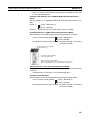
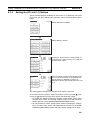
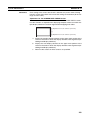
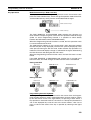
Note that the touch switches used to call the System Menu are not displayed
at corners on the screen. If a touch switch displayed in a corner is pressed
first, the touch switch will function and the System Menu will not be displayed.
In particular, when the touch switch has switch screen function, as a result of
screen switch over, it means the corner is not pressed even if it is kept pressing. To successfully call the System Menu, first press a corner where no touch
switch is displayed, and then press any other corner regardless of the presence of a touch switch.
Reference:
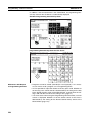
With the NT31/NT31C, the System Menu can be displayed even if the screen
has touch switches registered at all four corners.
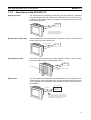
Pressing a Touch Switch That Displays The System Menu
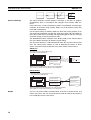
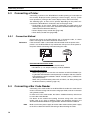
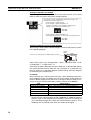
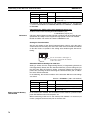
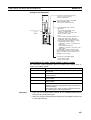
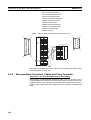
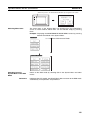
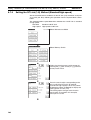
There is a control key that has the function of displaying the System Menu.
By registering the touch switch for System Menu display ([MENU]) on a
screen when creating it, the System Menu can be displayed just by pressing
this switch.
Calling the System
Installer Mode
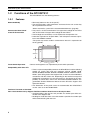
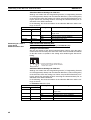
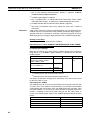
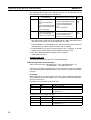
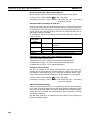
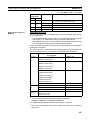
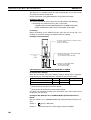
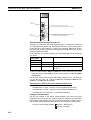
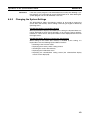
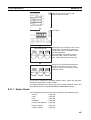
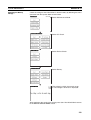
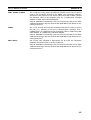
If the NT31/NT31C has no system program installed, or if the system program
is destroyed, the System Installer mode is automatically established when the
power is switched ON.
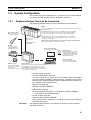
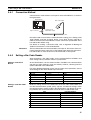
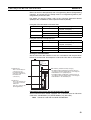
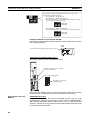
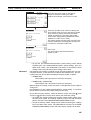
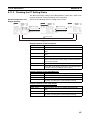
To establish the System Installer mode in order to install a system program or
make settings for data management, either turn the power ON, or reset the
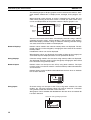
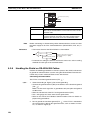
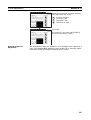
NT31/NT31C, while pressing the touch switch at the top left corner of the
touch panel (size: 7.2 mm × 7.2 mm).
138