1
Operating Manual for CCT772 & CCT771 Video Tardis Manual
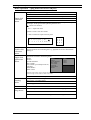
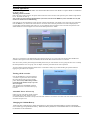
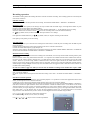
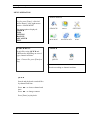
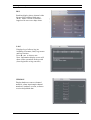
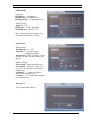
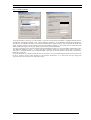
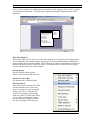
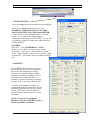
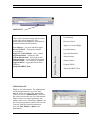
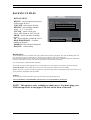
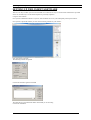
Enter a Name for your DVR, then enter the IP number and press OK (the Port number is defaulted to 37777)
NOTE: The IP address must be obtained from the Network Administrator if the DVR is to be used on an existing network.
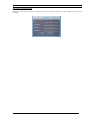
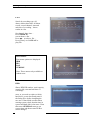
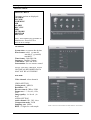
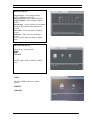
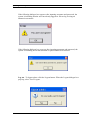
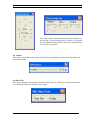
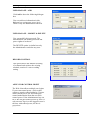
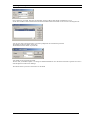
You can now click on the Login button; you will be prompted for the username and password:
The default Username is admin (lower case)
The default Password is blank so just hit OK
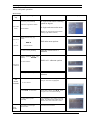
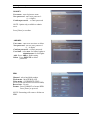
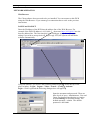
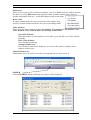
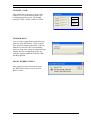
You should now be logged into the DVR.
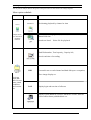
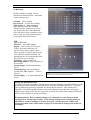
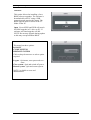
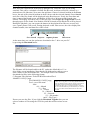
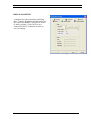
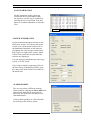
The first task you should complete is to change the default administrator User & Password and add a general user. This is
done through the Assistant>User Manager
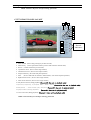
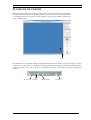
The software allows you to have full control over the DVR.
54