1
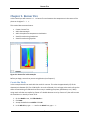
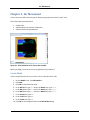
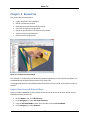
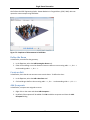
Switchgear Fire Example
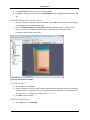
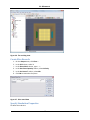
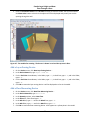
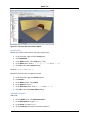
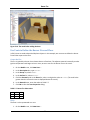
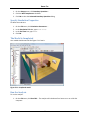
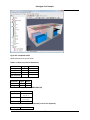
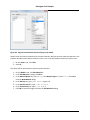
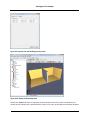
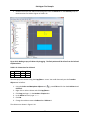
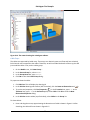
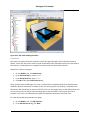
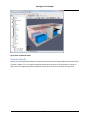
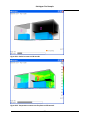
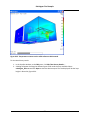
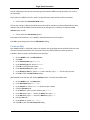
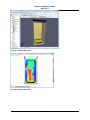
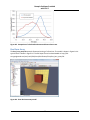
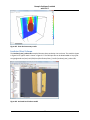
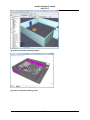
Figure 6.14. The rooms showing the switchgear cabinets
Cable Trays
The cables are supported by ladder trays. These trays are relatively open to air flow and have relatively
little thermal mass compared to the cables. Therefore, we will not model the details of the trays, but will
just model the cables. First, make a cables group:
1.
2.
3.
4.
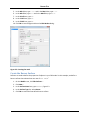
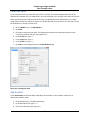
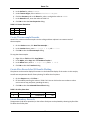
On the Model menu, click New Group....
In the Parent Group list, select Model.
In the Group Name box, type Cables.
Click OK to close the Create Group dialog.
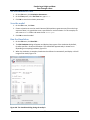
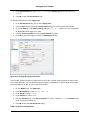
To prepare to draw the cables:
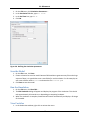
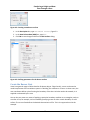
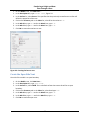
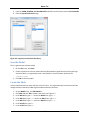
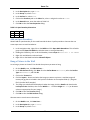
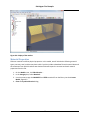
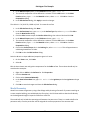
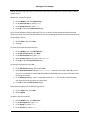
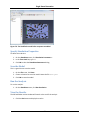
1. Click 2D View. This will display the sketch grid.
2. In the 2D View drawing tools toolbar (left of window), click the Draw an Obstruction tool (
).
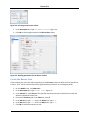
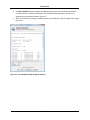
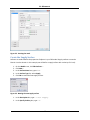
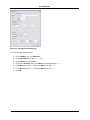
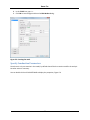
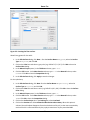
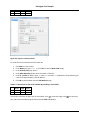
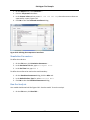
3. To set the tool properties, click Tool Properties (
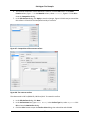
). In the Z Location box, type 8.5. In the
Thickness box, type 0.5. In the Surface Prop list, select Cable. Click OK to close the New
Obstruction Properties dialog.
4. In the 2D View action toolbar (top of window), select Cables in the Group list.
To draw cable A:
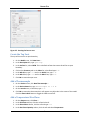
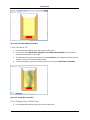
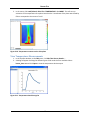
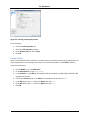
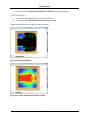
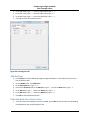
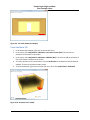
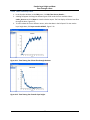
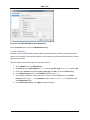
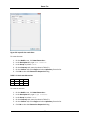
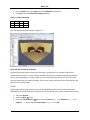
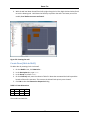
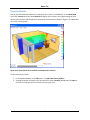
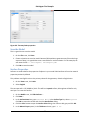
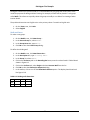
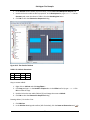
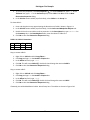
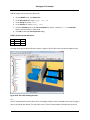
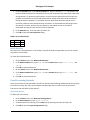
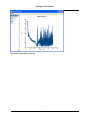
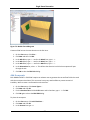
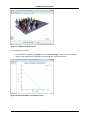
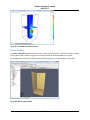
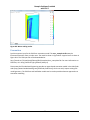
1. Press and drag the mouse, approximating the dimensions of cable A shown in Figure 6.1. After
sketching, the cable will be as shown in Figure 6.15.
60