1
Table of Contents
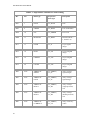
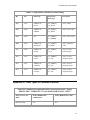
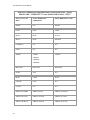
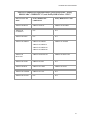
GE SRTP OPC Server .....................................................................................................................1 Introduction ...................................................................................................................................1 Who Should Use This Manual ..................................................................................................1 Overview of Manual ..................................................................................................................1 References ...............................................................................................................................2 Getting Started..................................................................................................................................3 System Requirements ..................................................................................................................3 Software Requirements ............................................................................................................3 Other Software Requirements ..................................................................................................3 Hardware Requirements ...........................................................................................................3 Installation.....................................................................................................................................4 Contact GE Fanuc ......................................................................................................................10 Configuration ..................................................................................................................................13 Starting the OPC Server for GE SRTP ...................................................................................13 The Tool Tray Menu ...............................................................................................................13 The Control Panel ...................................................................................................................14 The Configuration Window .........................................................................................................15 The File Menu .........................................................................................................................17 The Edit Menu ........................................................................................................................18 The View Menu .......................................................................................................................19 The Tools Menu ......................................................................................................................20 The Options Dialog Box ..............................................................................................................20 General Options......................................................................................................................20 General Logging Options ........................................................................................................21 Interface Logging Options ......................................................................................................23 Advanced Options ..................................................................................................................23 OPC Server Configuration ..........................................................................................................24 Insert New Object ...................................................................................................................25 Remove Objects .....................................................................................................................27 Alias Configuration......................................................................................................................27 Inserting Aliases .....................................................................................................................28 Editing Aliases ........................................................................................................................30 Exporting Aliases ....................................................................................................................31 Importing Aliases ....................................................................................................................31 iii